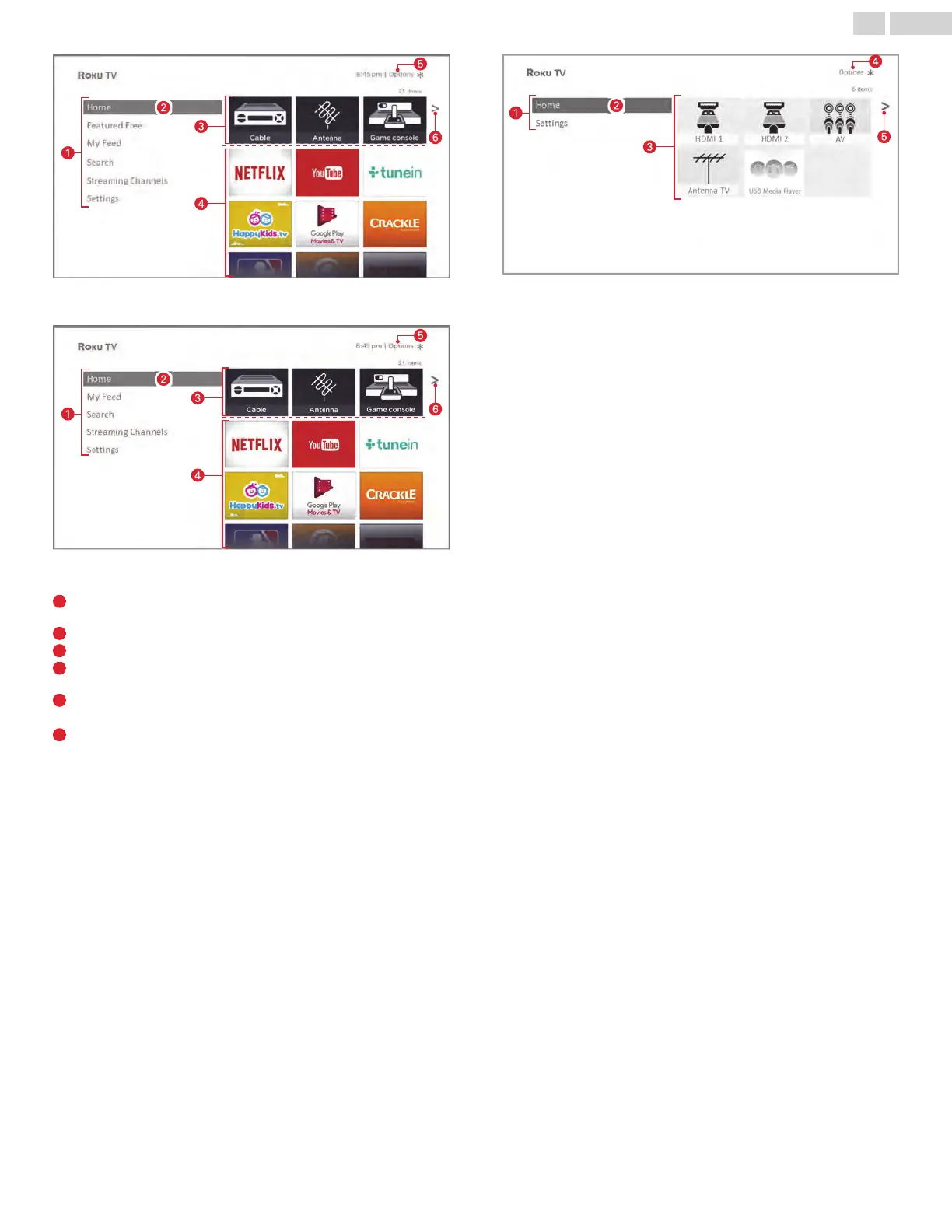
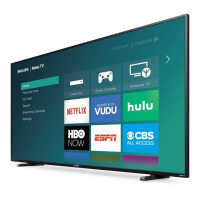
Typical connected Home screen, United States
Typical connected Home screen, Canada
1
Home screen menu — shows options available to you when you
are on the Home screen
2
Highlighted option — press OK on the remote to select.
3
TV input tiles — select an input to watch the connected device.
4
Streaming channel and app tiles — select a tile to go to the
indicated streaming channel or application.
5
Options hint—press A on the remote for options when this
symbol is present.
6
Next screen hint—press the Right arrow on the remote to see
the next screen.
20 .English



 To Next Page