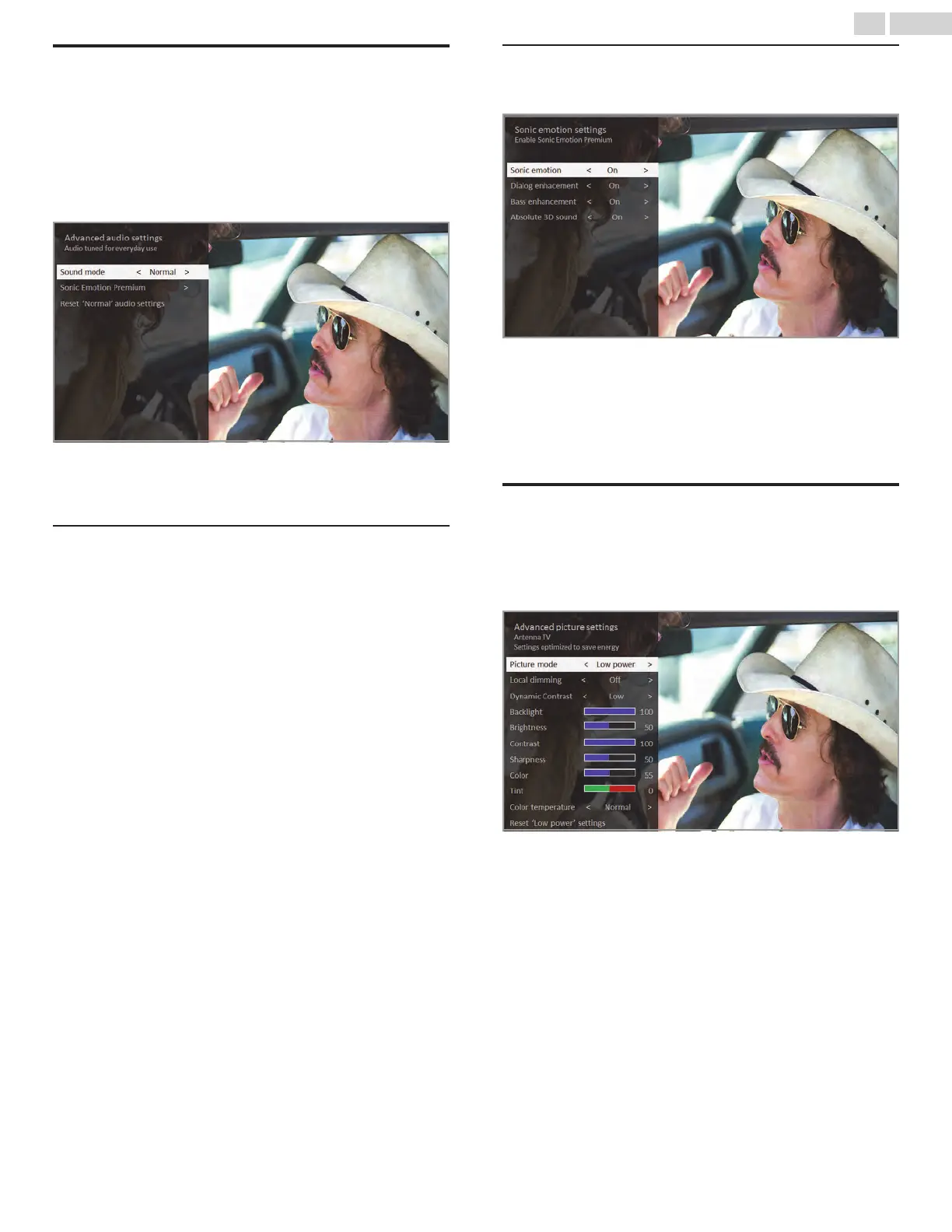
Advanced audio settings – Sonic Emotion
Premium
his topic describes the Advanced audio settings menu for TV models
with Sonic Emotion Premium. Sonic Emotion Premium is an audio
technology that enables your TV to produce a more immersive sound
experience. Each TV input has separate settings for fine tuning sound
quality. All of the settings in this menu apply only to the currently-
selected input. To use the Advanced audio settings menu, first press
A to display the Options menu. Then select Advanced audio settings.
Advanced audio settings menu for models with
Sonic Emotion Premium
Advanced audio settings menu options – Sonic
Emotion Premium
●
Sound mode – Select from among various preset sound modes to
improve speech, make music sound its best, boost bass or treble, or
simulate a theater. Use Reset audio settings, described below, to
return the input’s current settings to their original values.
●
Sonic Emotion Premium – Displays a menu with individual Sonic
Emotion audio settings, as described in Sonic Emotion settings L
p. 38.
●
Reset audio settings – Returns Sonic emotion settings to their
default settings for the selected Sound mode
Sonic Emotion settings
When you turn on Sonic Emotion from the Advanced audio settings
menu, these additional settings become available:
●
Dialog Enhancement – Enhances your ability to hear and
understand dialog in the program.
●
Bass Enhancement – Enhances the low frequency sound
component in the program.
●
Absolute 3D Sound – Simulates sound from multiple speakers that
would otherwise require installation of a surround sound audio
system.
Advanced picture settings
The Advanced picture settings menu for each TV input provides
settings for fine tuning the appearance of the picture. All of the settings
in this menu apply only to the currently-selected input.
To use the Advanced picture settings menu, first press A to display
the Options menu. Then select Advanced picture settings.
Typical Advanced picture settings menu
38 .English









 To Next Page