EasyManua.ls Logo

Philips AC2729/10 - Wi-Fi Network Setup

Philips AC2729/10
182 pages
Print Icon
To Next Page IconTo Next Page
To Previous Page IconTo Previous Page
Loading...
6 EN
Controls overview
(g. b)
Control buttons
Power on/o button
Child lock button
Auto mode button
Fan speed button
Humidity setting button
Light dimming button
2-in-1 mode on/o button
Timer/Reset button
Display panel
Sleep mode
Auto mode
Allergen mode
Purication ONLY mode
2-in-1 mode
Filter replacement alert
Water rell alert
Pre-lter and wick cleaning alert
PM2.5 display
Indoor Allergen Index display
Wi-Fi indicator
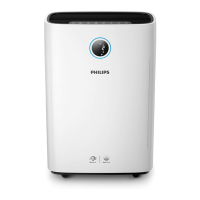
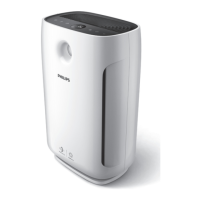
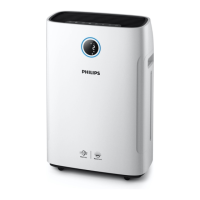
Product overview (g. a)
A Control panel
B Water tank
C Wick support
D Water tray
E Unilateral wheels
F Wick wheel
G
NanoCloud rotary humidication
wick (FY2425)
H Back side cover
I
Pre-lter
J
NanoProtect lter Active Carbon
(FY1413)
K
NanoProtect lter Series 2
(FY1410)
L Air quality sensor
M Air outlet

Table of Contents

Related product manuals