12
Set the sensitivity of the
air quality sensor
To meet dierent needs when you use
the appliance, we are oering you the
opportunity to adjust the sensitivity of
the air quality sensor.
There are 3 sensitivity levels:
• standard
• sensitive
• extra sensitive
The pollution sensor is set to extra
sensitive. You can adjust the sensitivity
of the air quality sensor in the following
way.
Note
• When it is set to a higher sensitivity, the purier
becomes more allergic to the pollutants in
the air. When the purier is in mode, it is
more likely to choose a higher fan speed than
the standard mode.
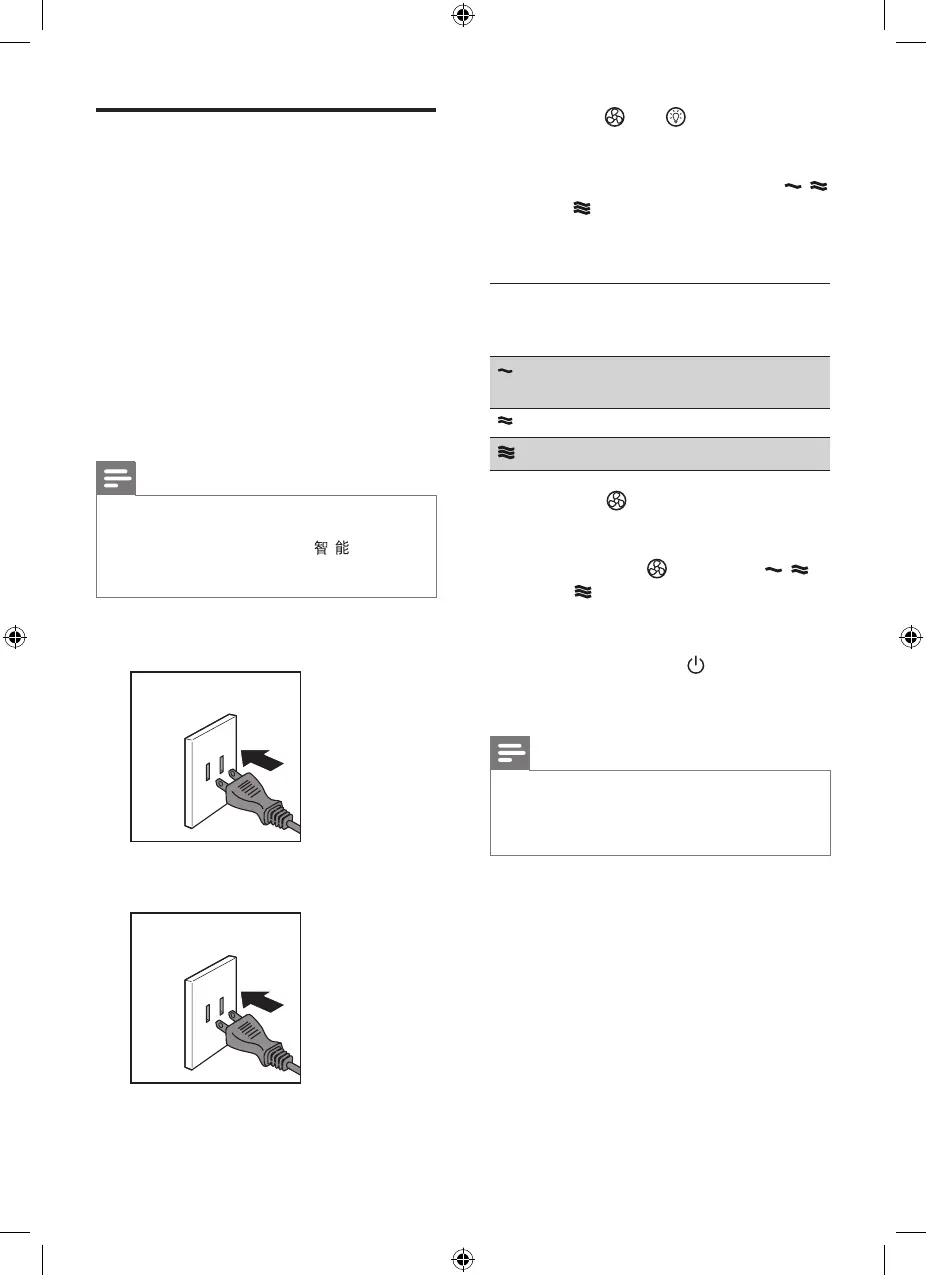
1 Unplug the air purier from the
power socket.
2 Wait for a while before putting the
plug back into the power socket.
3 Press the and buttons
simultaneously.
» The purier beeps twice and one
of the fan speed indicators ( ,
or ) ashes to show the current
sensitivity level of the air quality
sensor.
Fan
speed
indicator
Sensitivity level
Extra sensitive (default
sensitivity)
Sensitive
Standard
4 Press the button to adjust the
sensitivity level of the air quality
sensor.
» One of the indicators ( , ,
or ) goes on to show the
preferred sensitivity level of the
air quality sensor.
5 Press and hold the button for
3 seconds to switch o the purier,
and the sensitivity setting is saved.
Note
• When setting the sensitivity, if no button is
pressed in 10 seconds, the purier will skip
the sensitivity setting mode, and maintain the
previous setting.


 To Next Page