16
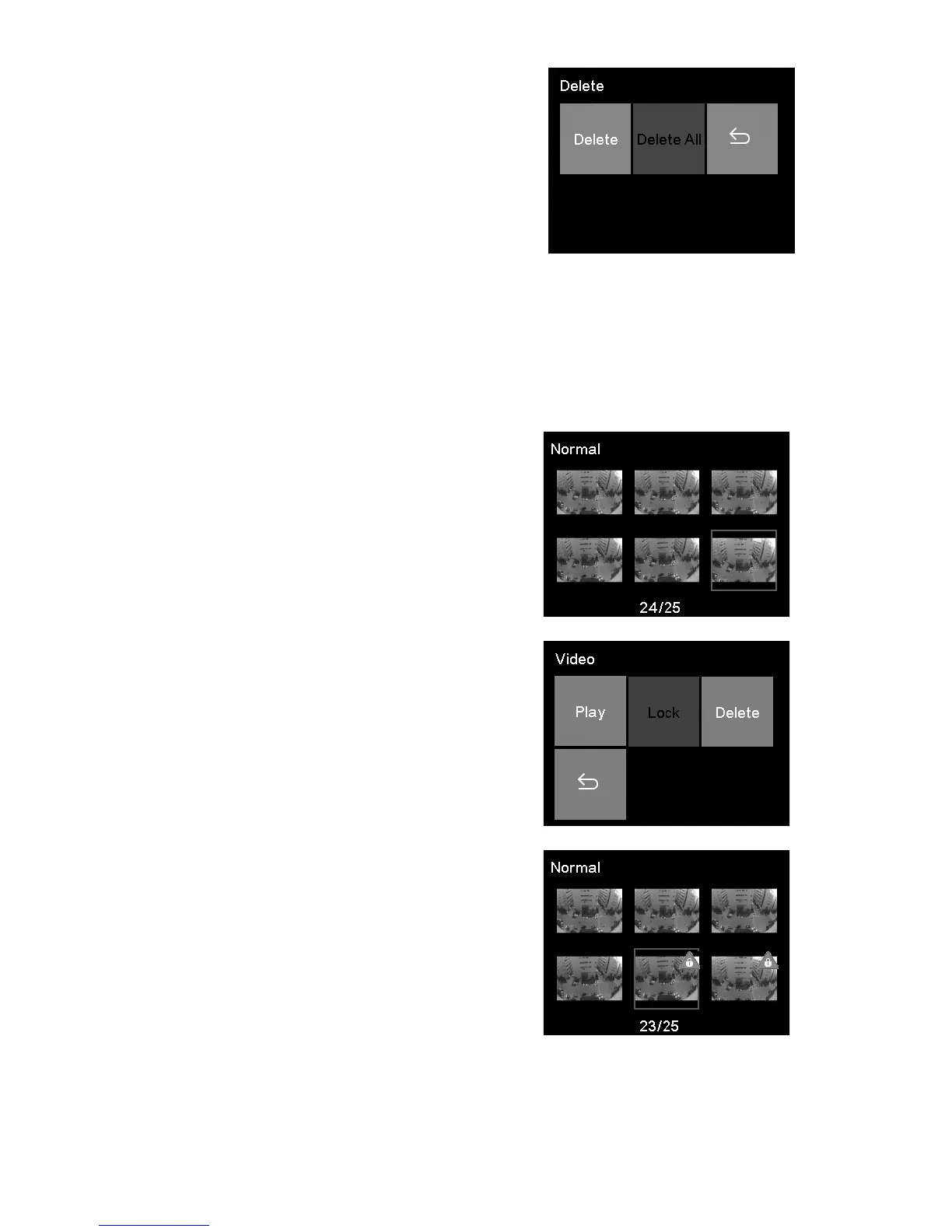
2. Select Delete All to delete all
unlocked video les.
3. A conrmation message appears on the screen, press
▲/▼ to select YES and press OK to conrm deletion.
5.4 Protecting Videos
To secure videos against being overwritten.
1. Press ▲/▼ to browse for the
video les and press OK.
2. Press ▲/▼ to select Lock and
press OK.
3. Return to video list automatically,
and selected video is protected.
4. Use same method to unlock video les.



 To Next Page