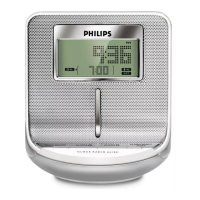
Select a preset radio station
1 Press SOURCE repeatedly to turn on radio.
2 Press PRESET +/PRESET - to select a radio station.
5 Set the alarm timer
Set the alarm time
You can set two separate alarms.
Note
Before you start, ensure that the clock time is set correctly.
1 Press and hold AL1 (or AL2) for 2 seconds.
2 Press PRESET +/PRESET -.
» The alarm tone is selected.
FM: The preset radio station.
: The buzz.
3 Press AL1 (or AL2
» The hour digits begin to blink.
4 Repeat steps 2-3 to set the hour.
5 Repeat steps 2-3 to set the minute.
6 Repeat steps 2-3 to set the volume level (32 maximum) of
alarm tone.


 To Next Page