6 Other features
Set the sleep timer
You can set the radio to turn off automatically after a certain period of
time.
1 Press SLEEP repeatedly to select a preset period of time.
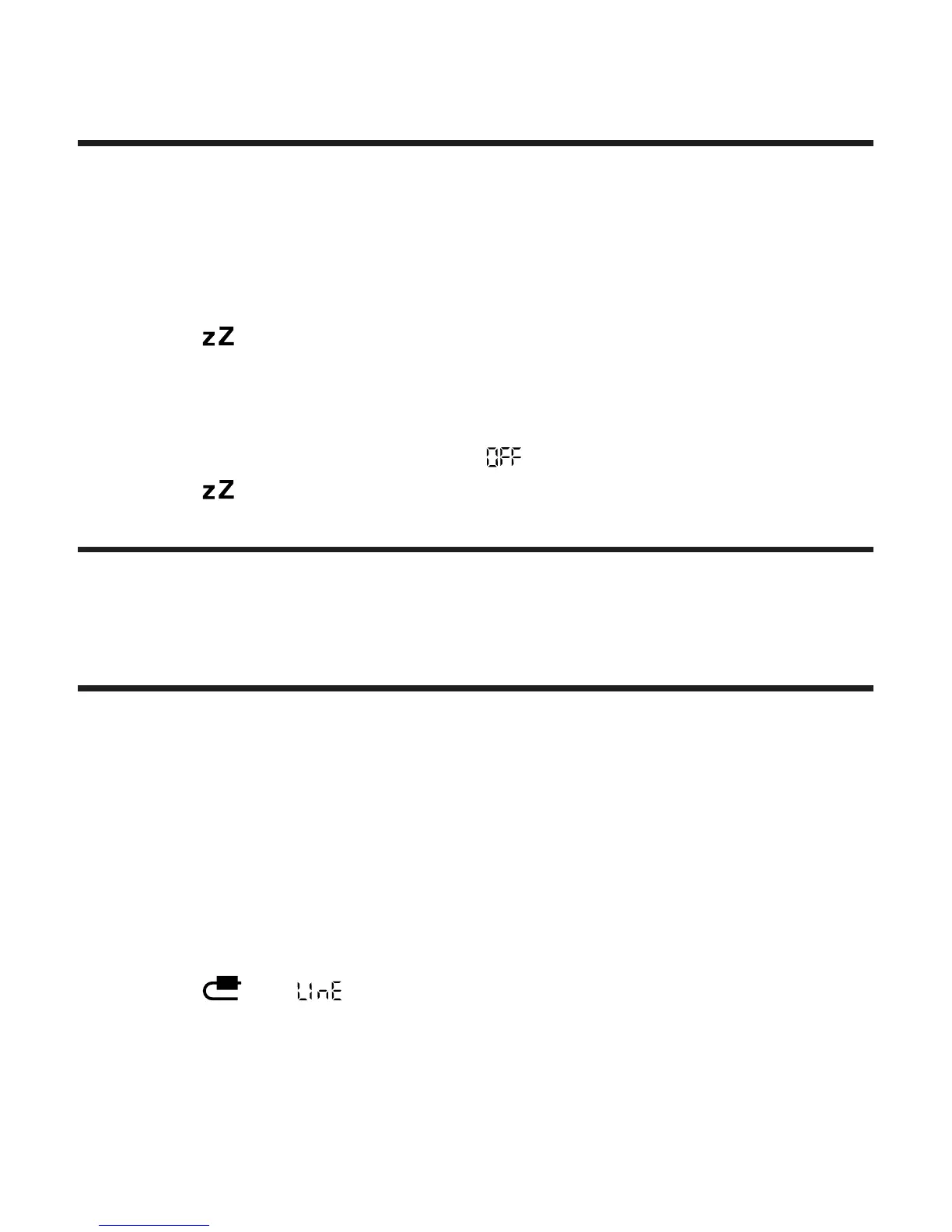
»
appears.
» The volume decreases gradually in the last 5 minutes.
To turn off the sleep timer:
1 Press SLEEP repeatedly until (off) appears.
»
disappears.
Adjust display brightness
1 Press REPEAT ALARM/BRIGHTNESS CONTROL repeatedly.
Listen to an external device
You can use this unit to play audio from an external device.
1 Connect the MP3 link cable (supplied) to
the MP3 LINK jack on the back of this unit
the audio output jack of the external device.
2 Press SOURCE repeatedly to select the audio input from MP3
LINK jack.
»
and appear.
3 Press +/- (on - VOLUME +) repeatedly to adjust the volume
level.


 To Next Page