5EN
3 Get started
Always follow the instructions in this chapter in
sequence.
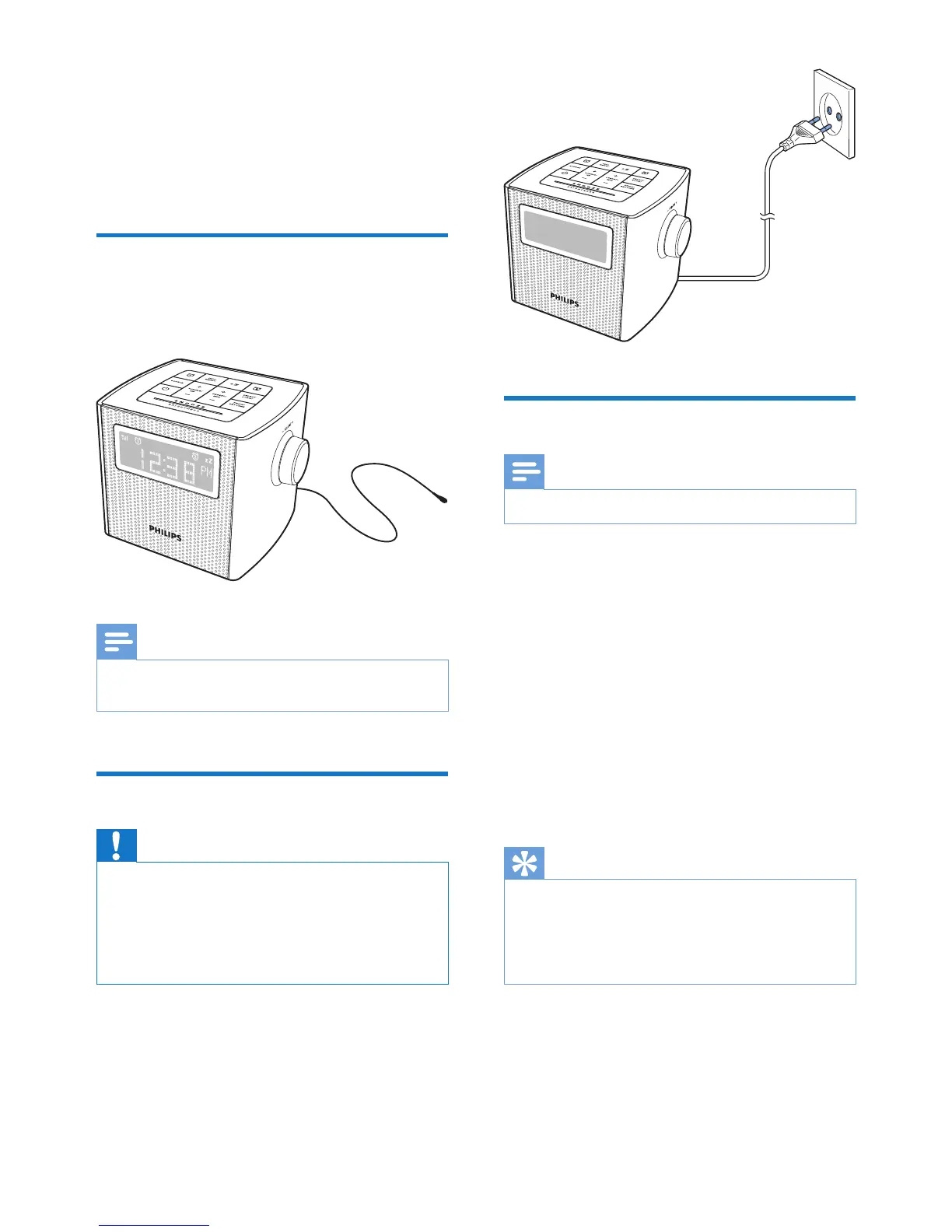
Prepare FM/DAB+ antenna
For better reception, fully extend and adjust the
position of the FM/DAB+ antenna.
Note
• To prevent interference, position the antenna as far as
possible from any other radiation sources.
Connect power
Caution
• Risk of product damage! Make sure that the power
voltage corresponds to the voltage printed on the back
or underside of the clock radio.
• Risk of electric shock! When you unplug the AC plug,
always pull the plug from the socket. Never pull the
cord.
Set clock
Note
• You can only set time in standby mode.
1 Press and hold SET TIME for two seconds
to activate clock setting mode.
» The hour and minute digits blink.
2 Press + TUNING/ HR - to set hour.
3 Press + PRESET/ MIN - to set minute.
4 Press SET TIMEtoconrm.
5 Press + TUNING/ HR - to set 12/24 hour
format.
6 Press SET TIMEtoconrm.
» [Time Saved] (time saved) is displayed.
Tip
• When the radio is idle for 10 seconds, it exits clock
setting mode automatically.
• In FM/DAB+ mode, you can enter the "System" menu
to set time synchronization (see "Use system menu" >
"Set time and sync time").



 To Next Page