5
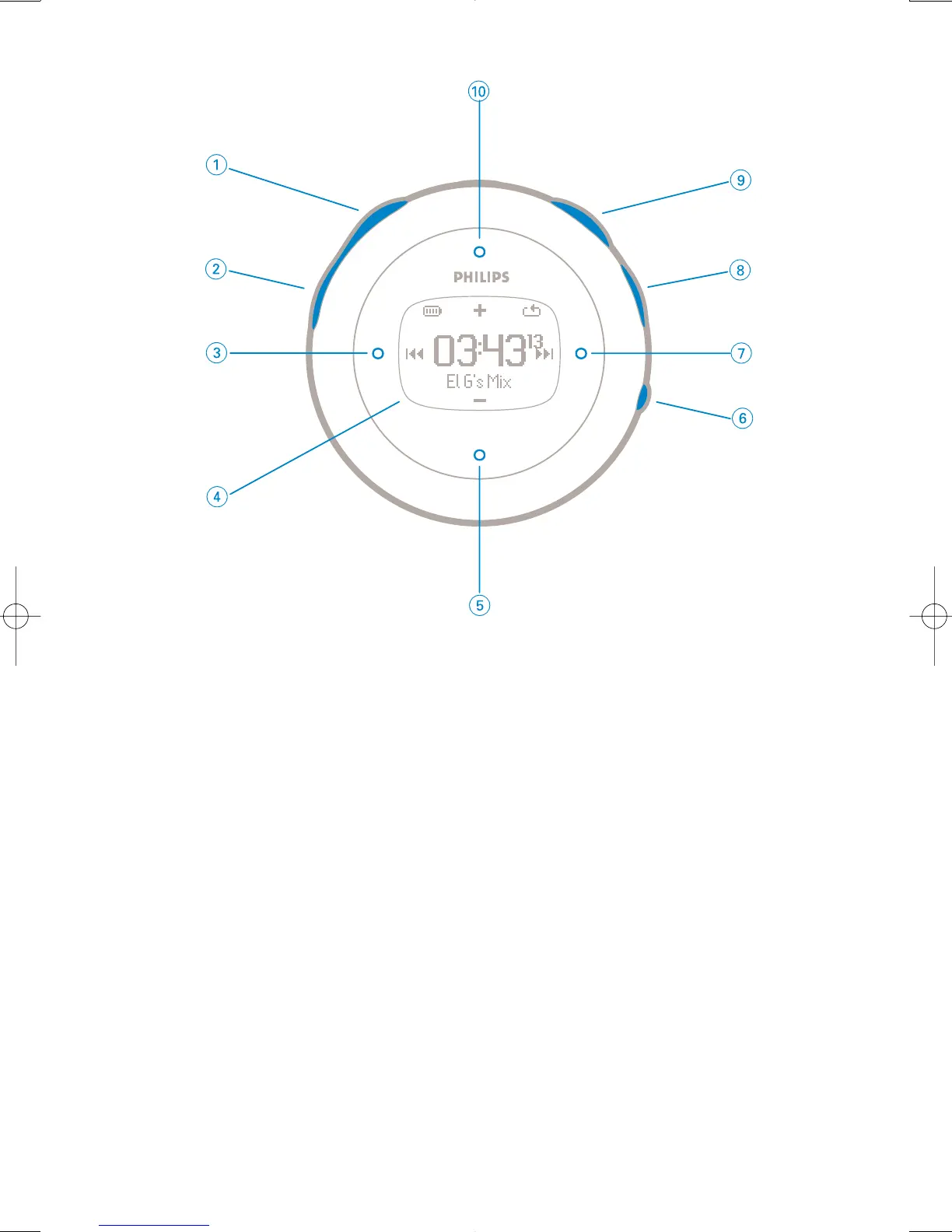
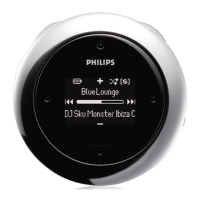
Front of device
1 Talking stopwatch Activates voice feedback telling you "elapsed time"
2 Stopwatch Press to start, pause, or reset
3 Previous Rewinds / Up 1 level / Skip to previous
4 Display Dynamically displays menu, options and track information
5 VOL - / Move down Navigate down / volume down in playscreeen
6 VIEW To switch between root menu, library and now playing screens.
7 Next Fast forward / Down to 1 level / Skip to next
8 Lock key Disables / enables key lock and ShockLock
9 2; Power on / off and Play / Pause
0 VOL + / Move up Navigate up / volume up in playscreeen






 To Next Page