To stop repeat play, press • MODE repeatedly until the repeat icon is no longer displayed.
Shufe play
You can play all tracks in random order.
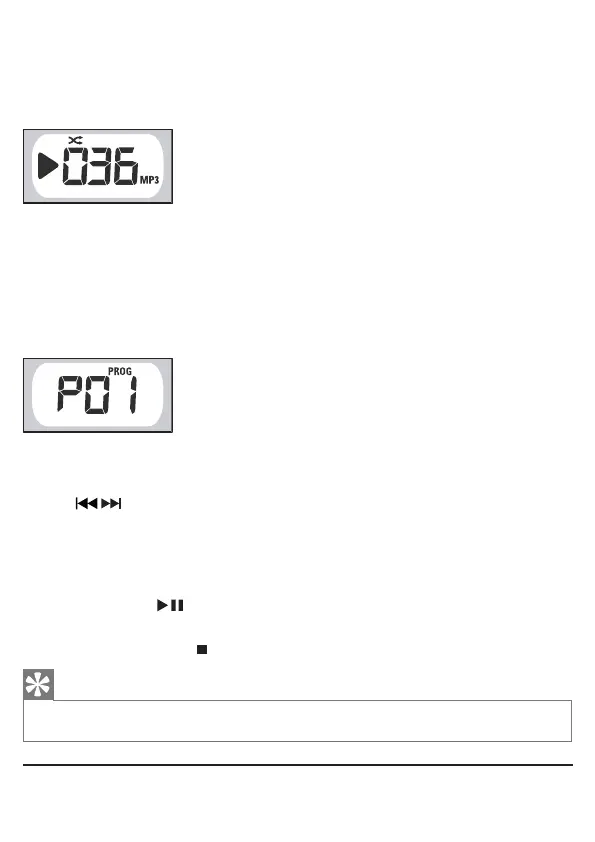
1 During play, press MODE repeatedly until the display shows the shufe icon.
To stop shufe play, press • MODE again.
Program play sequence
You can store up to 20 tracks in the desired sequence.
1
In stop mode, press
PROG
to start to program play sequence.
»
[PROG]
and
[P01]
are displayed.
2 Press ALBUM +/- to select an album.
This step is only applicable for MP3-CDs.
3 Press / to select a track.
4 Press PROG to store the track.
»
[PROG]
and
[P02]
are displayed.
5 Repeat steps 2 to 4 to select and store all tracks.
»
When all 20 tracks are stored, no more tracks can be selected and the display shows
[PROG]
and
[
---
]
.
6 To play program, press .
In stop mode, press
»
PROG
repeatedly to browse stored tracks.
To cancel program, press
•
twice.
Tip
When program play stops, the Soundmachine returns to normal play. To play program again, repeat steps 1 to 6. •
Listen to radio
1 Switch the source selector to TUNER.



 To Next Page