Select an album
For MP3-CDs only.
1 During play, press ALBUM +/-to select an album.
Find a passage within a track
1 During play, press and hold / .
The CD is played at high speed and with reduced volume.
»
2
Release / to resume normal play.
Tip
When search reaches the end of the last track, the CD stops. •
Select play modes
Repeat play
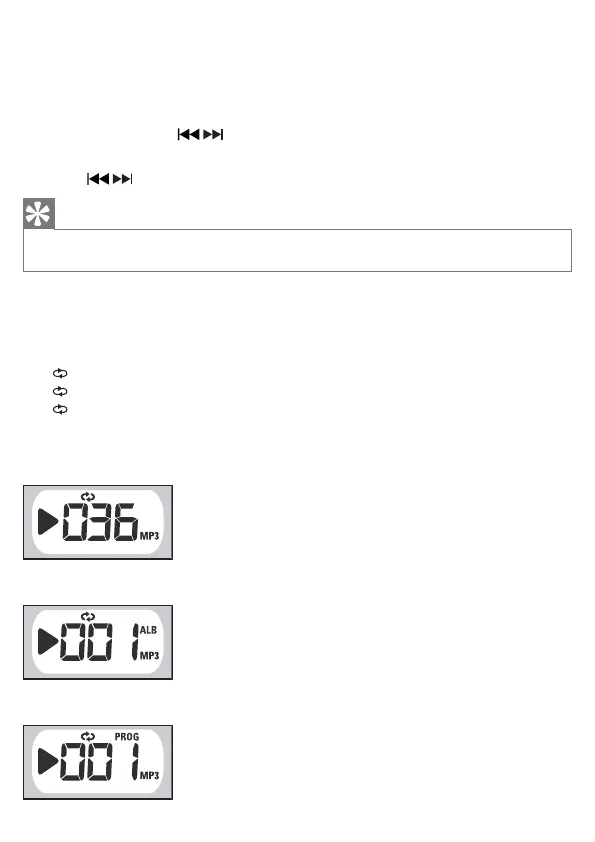
You can repeat a track, an MP3 album, a disc, or a program.
• [ ] – plays the current track continuously
• [ ALB] – plays the current album continuously
• [ ALL] – repeats the entire CD/program
1 During play, press MODE repeatedly until the display shows the repeat icon.
•
Repeat one track.
Repeat an album.
•
•
Repeat a program.



 To Next Page