Tip
To save energy: After use, set the source selector to • TAPE/OFF.
4 Use your Soundmachine
Play a CD
Note
You cannot play CDs encoded with copyright protection technologies. •
You can play commercially available audio CDs:
CD-Recordables (CD-R)
•
CD-Rewritables (CD-RW)•
MP3-CDs•
1 Switch the source selector to CD.
2 Lift the lid of the CD compartment.
3 Insert a CD with the printed side facing up.
4 Close the CD lid gently.
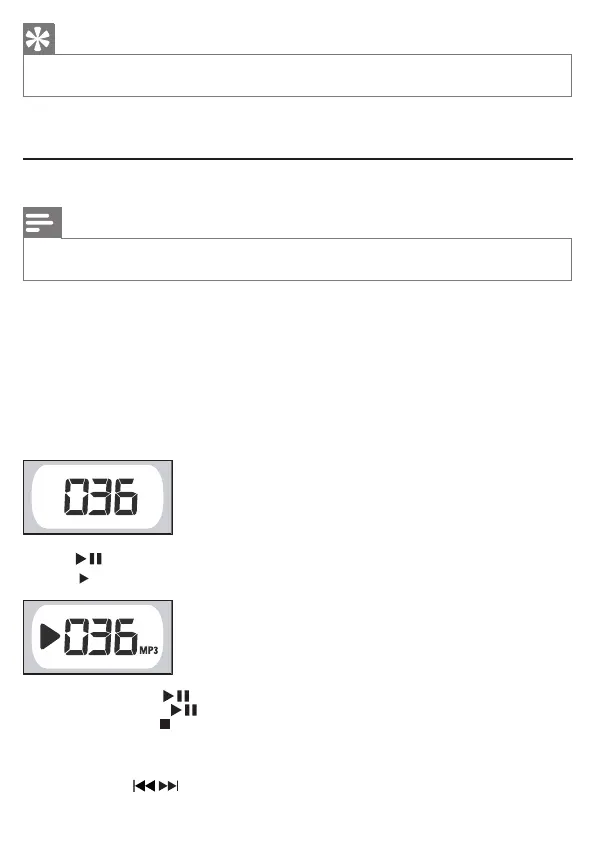
The total number of tracks is displayed.
»
5 Press to start play.
»
[
]
is displayed.
To pause CD play, press • .
To resume CD play, press
• again.
To stop CD play, press
• .
Select a track
1 During play, press / to select a track.



 To Next Page