Play tape
1 Slide the source selector to TAPE.
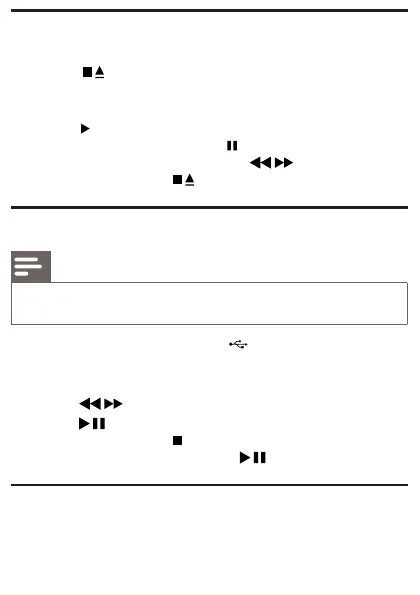
2 Press on main unit to open the tape door.
3 Load the tape with the open side upward and the full spool to
the left.
4 Press on main unit to start play.
To pause/resume play, press •
on main unit .
To rewind or fast-forward, press •
/ on main unit .
To stop play, press •
.
Play from USB devices
Note
Ensure that the USB device contains playable audio contents. •
1 Connect the USB device to the socket.
2 Slide the source selector to USB.
3 Press AL-/AL+ to select a folder.
4 Press / toselectale.
5 Press to start play.
To stop play, press •
.
To pause or resume play, press •
.
Listen to an external device
You can listen to an MP3 player through this apparatus.



 To Next Page