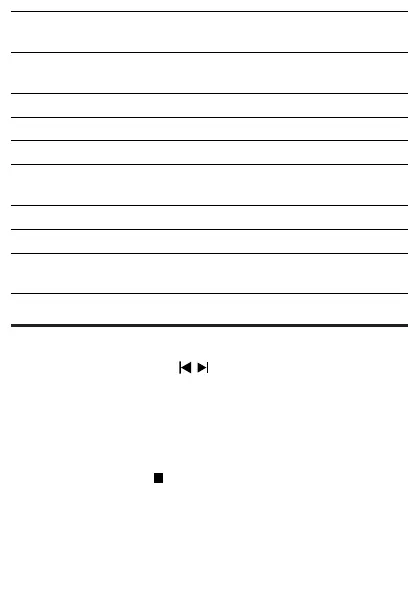
Root
Folder
Sub-folder Notes
RECORD CDREC_01 RecordedlesinCDformatare
saved in CDREC_XX folder.
CDREC_02
CDREC_XX
:
COPY_01 RecordedlesinMP3/WMAformat
saved in COPY_XX folder.
COPY_02
COPY_X X
LINE_IN Files recorded from FM/TAPE/MP3
Link are saved in LINE_IN folder.
Delete from USB device
1 During USB play, press / toselectanaudiole.
To delete an audio folder, in the stop position, press • AL-/
AL+ to select an audio folder.
2 Press DEL .
Aconrmationmessageisdisplayed. »
3 While the message is displayed, press DELagaintoconrm.
To cancel, press•
.



 To Next Page