• After the CD sound machine stays inactive for 5 minutes in CD
mode, it automatically switches to standby mode.
Manually switch the modes:
• Press to switch the CD sound machine between working mode
and standby mode.
Select a source
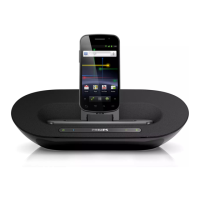
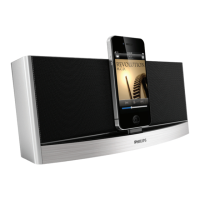
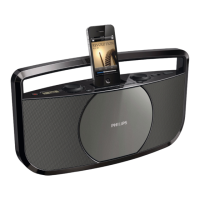
Slide the source selector to CD, FM, MP3-LINK, or DOCK.
4 Play CD
1 Slide the source selector to CD.
2 Press
to eject the cover of disc compartment.
3 Load a disc with the printed side facing outwards.
4 Close the cover of disc compartment.
5 Press
to start play.
Control play
During play, follow the instructions below to control play.
Buttons Functions
Pause or resume play.
Stop play.
/
Skip to the previous/next track.
Press and hold to rewind a track or search forward fast
within a track.


 To Next Page