Buttons Functions
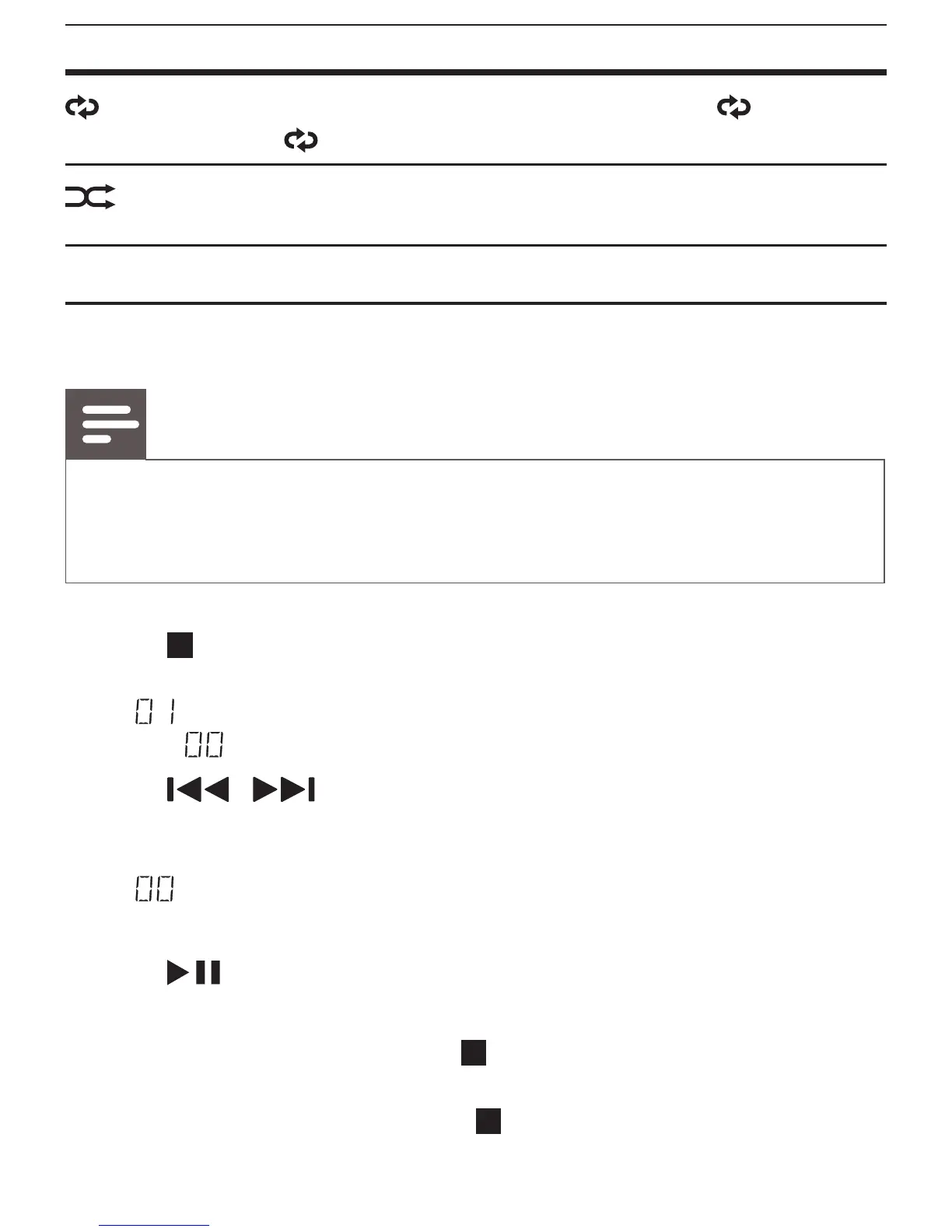
Select a play mode: repeat the current track ( ), repeat all
tracks (
ALL), or play tracks in sequence.
Startorcancelshufeplay.(unavailableforprogrammed
tracks)
Program tracks
Note
• You can program a maximum of 20 tracks.
• During programming, if no operation is made within 20 seconds, the system
returns to stop mode without saving programmed tracks.
1 Press to stop play.
2 Press PROG to activate the program mode.
»
(thesequencenumber)ashes,andthenPROG (program)
and
blink.
3 Press
/ to select a track.
4 Press PROG to program the selected track.
» Thesequencenumberashes,andthenPROG (program) and
blink.
5 Repeat steps 3 and 4 to program more tracks.
6 Press
to start playing the programmed tracks.
» During play, PROG is displayed.
• To erase the program, press twice, eject the CD compartment
cover, or switch to another source.
• To review the program, press once to stop play, and then press
PROG repeatedly.


 To Next Page