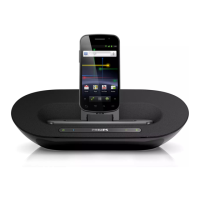
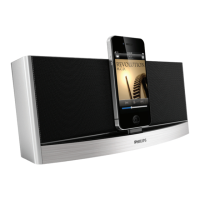
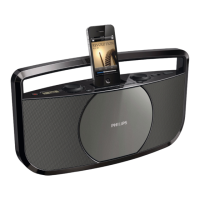
Charge your iPod/iPhone
Note
• Before you charge an iPod/iPhone, make sure that the CD sound machine is
powered through the power adaptor.
Once the iPod/iPhone is docked and recognized, the charging starts.
Unload your iPod/iPhone
Note
• Risk of damage to the dock or your iPod/iPhone: Do not twist or shake your
iPod/iPhone during unloading.
Pull your iPod/iPhone out of the dock.
8 Adjust sound
The following operations are applicable to all supported media.
Adjust the volume level
Rotate the - VOLUME + knob clockwise or anti-clockwise to increase
or decrease the volume level.
Use the DBB sound effect
Press DBB to enable or disable dynamic bass boost.


 To Next Page