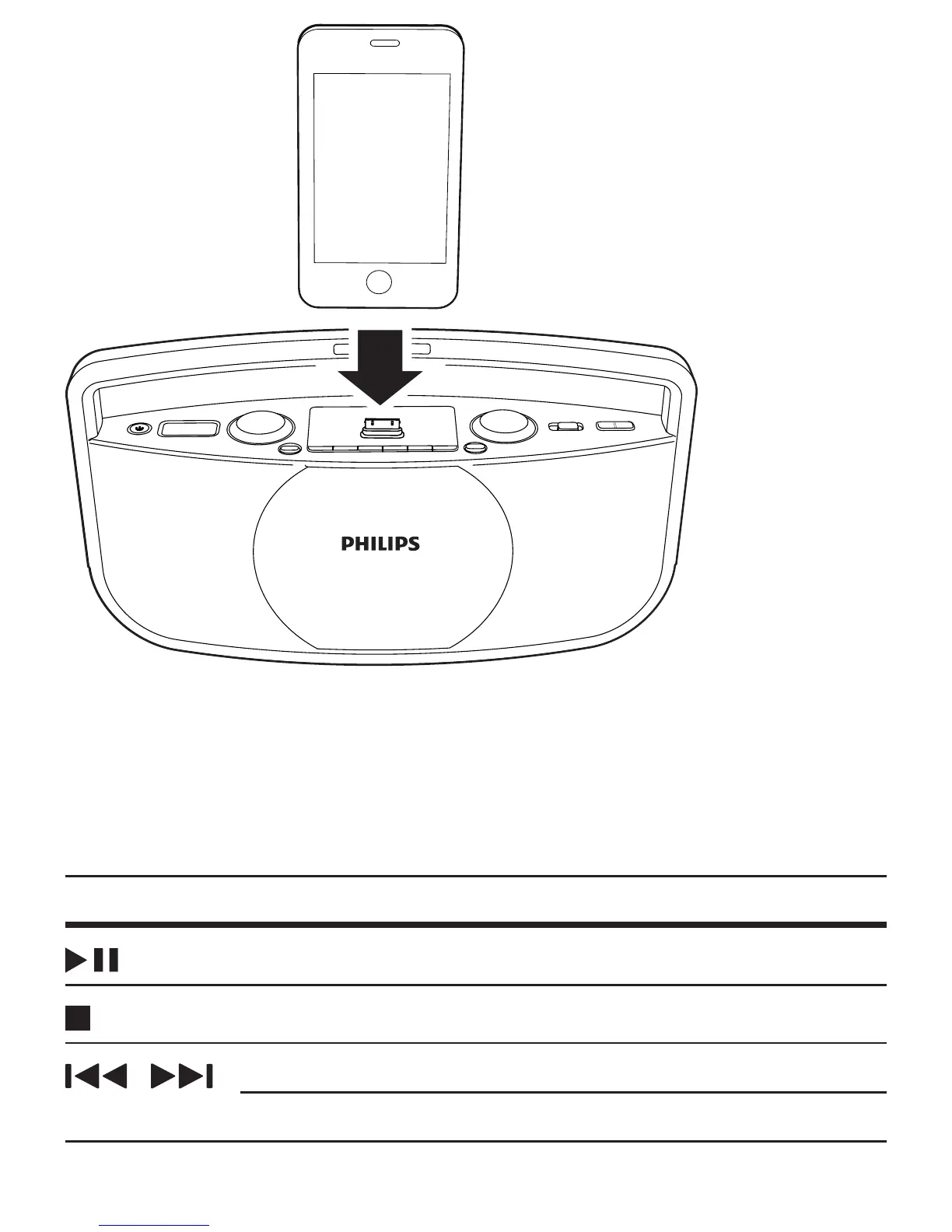
1 Connect your iPod/iPhone to the dock.
2 Turn on the CD sound machine.
3 Slide the source selector to DOCK.
4 Play a track on your iPod/iPhone.
Buttons Functions
Start, pause, or resume play.
Stop play.
/
Skip to the previous/next track.
Press and hold to rewind or search forward fast.


 To Next Page