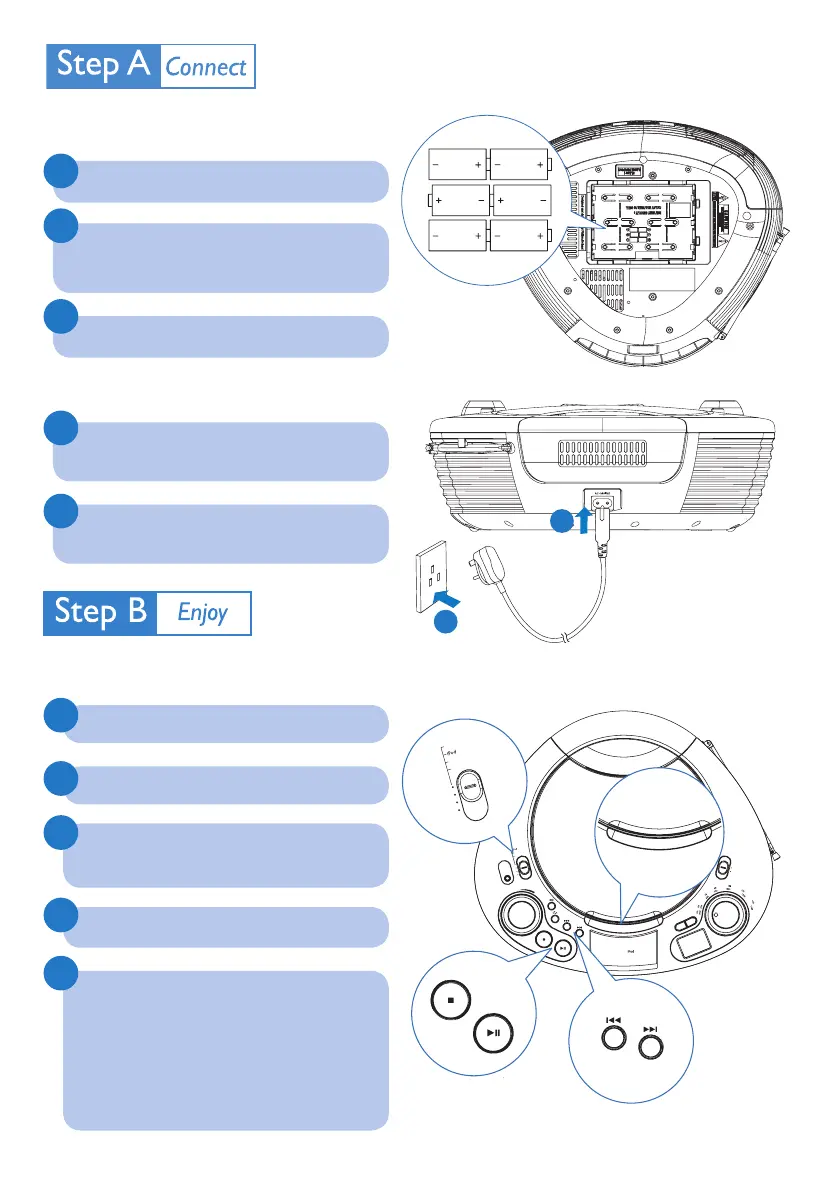
Install batteries
Connect power
Open the battery compartment.
Connect the power cord to the AC
MAINS jack on the unit.
Insert 6 batteries (type: R14/ UM2/
C-cells) with correct polarity (+/-) as
indicated.
Connect the power cord to the power
supply socket.
Close the battery compartment.
1
1
3
2
2
2
3
4
5
Play disc
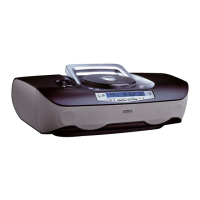
CD SOUNDMACHINE AZD208
MW
FM
V
O
L
U
M
E
D
B
B
P
R
O
G
D
O
C
K
F
O
R
OFF
TUNER
CD
MP
3
-
LINK
L
I
F
T
—
O
P
E
N
1
Push the source selector to CD..
Lift to open the disc compartment.
Insert a disc with the printed side facing
up,then close the disc compartment.
Press
ÉÅ
to start play.
To pause/resume play, press
ÉÅ
.
To stop play, press
9
.
To select another track, press
J(
/
)K
.
To search within a track, press and
hold
J(
/
)K
, then release to resume
normal play.
AZD208_05_QSG_Eng.indd 2 5/13/2010 3:07:46 PM



 To Next Page