BDL4330QL
26
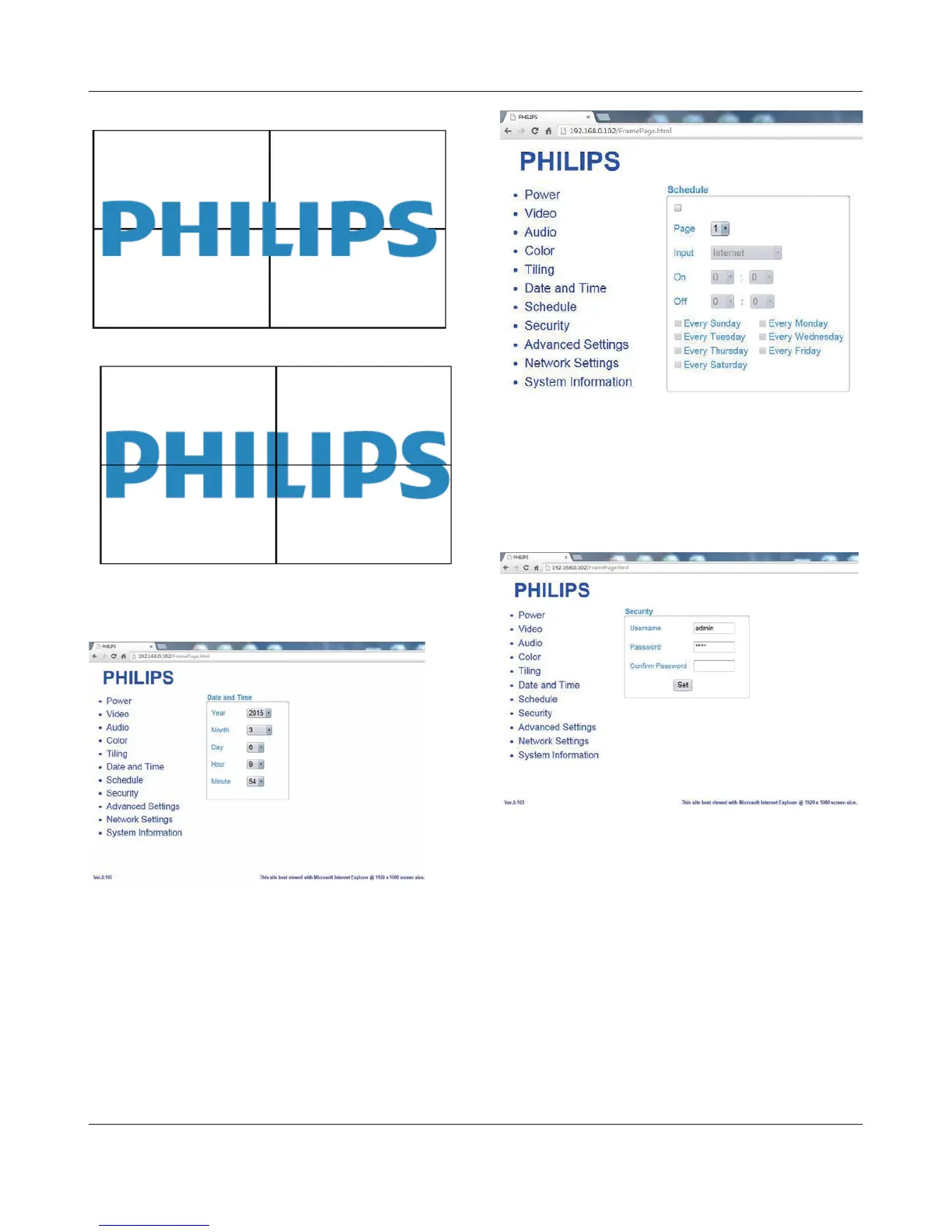
Frame comp. On
Frame comp. Off
1.8. Click on Date and Time to switch to Date and Time Page. It
provides you an easy way to set date and time for the display’s
internal clock.
1.9. Click on Schedule to switch to Schedule Page. The function allows
you to program up to 7 different scheduled time intervals for this
display to activate.
Note: See scheduling on Page 21 for the detail descriptions about
Scheduling setting.
1.10. Click Security to switch to Security Page. It provides you an easy
way to change your username and password.
Enter your new Username and Password into the Username and
3DVVZRUGÀHOGVDQGWKHQFOLFNRQWKH6HWEXWWRQWRVHW\RXUQHZ
username and password.
1.11. Click on Advanced Setting to switch to Advanced Settings Page.













 To Next Page