11EN
4 Press , and select [Setup].
5 Select [Advanced] > [Software update]>
[USB].
» If an upgrade media is detected, you
are prompted to start the update.
6 Follow the instructions on the TV screen
to update the software.
» When the update is complete, this
player automatically turns off and on
again.
Caution
• Do not turn off the power or remove the USB storage
device when the software update is in progress because
you might damage this player.
4 Product
specifications
Note
• Specications and design are subject to change without
notice.
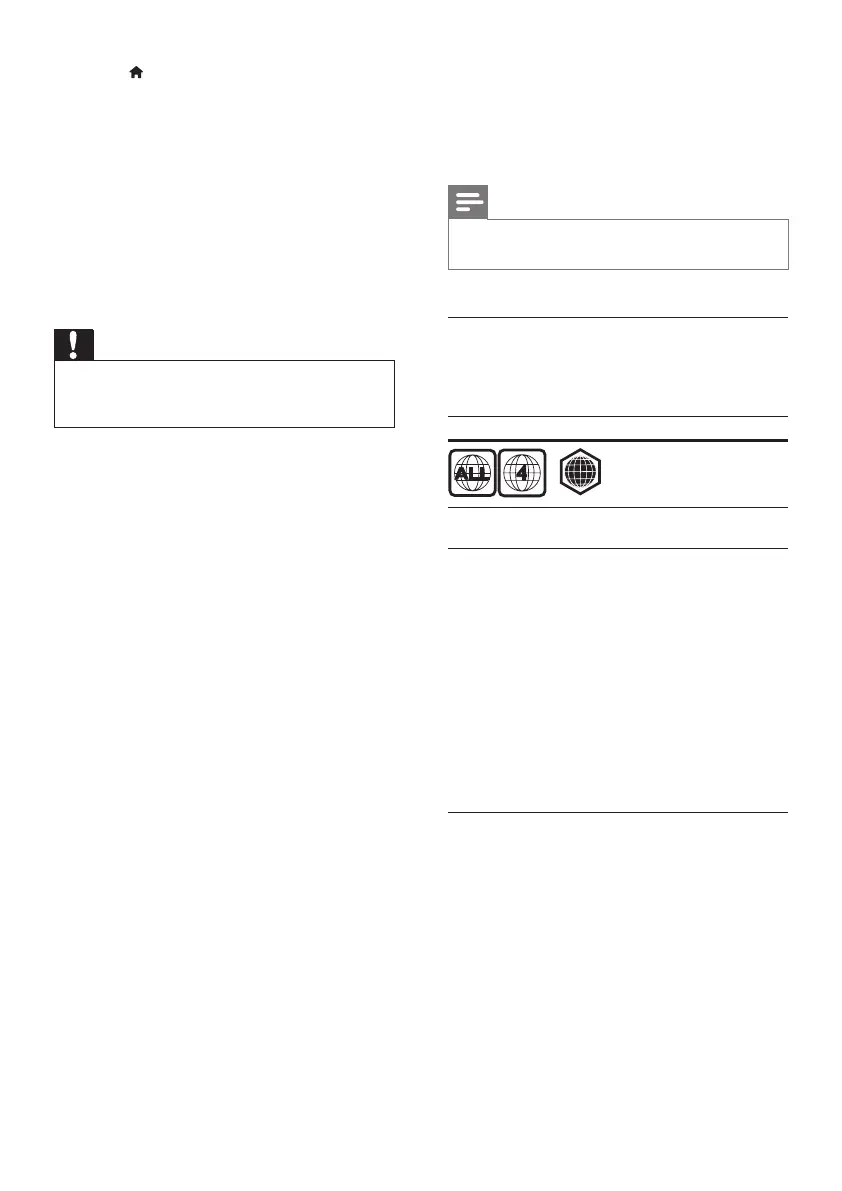
Region code
This player can play discs with the following
region codes.
DVD Blu-ray Countries
Latin America
Media formats
• BD-Video
• DVD-Video, DVD+R/+RW, DVD-R/-RW,
DVD+R/-R DL (Dual Layer)
• VCD/SVCD
• Audio CD, CD-R/CD-RW, MP3 media,
WMA media, JPEG les
• DivX (Ultra)/DivX Plus HD media, MKV
media
• USB storage device
File formats
• Audio:
• .aac, .mka, .mp3, .wma, .wav, .m4a, .ac,
.ogg
• Video:
• .avi, .divx, .mp4, .m4v, .ts, .mov, .mkv,
.m2ts, .mpg, .mpeg, .3gp
• Picture: .jpg, .jpeg, .gif, .png
A



 To Next Page