EasyManua.ls Logo

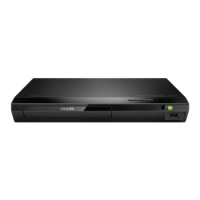
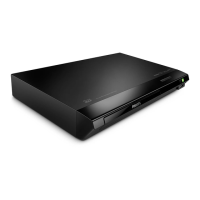
Philips BDP2590B - User Manual

Philips BDP2590B
27 pages
Print Icon
To Next Page IconTo Next Page
Loading...
BDP2590B
BDP2590W
www.philips.com/support
User manual
Always there to help you
Register your product and get support at
Question?
Contact
Philips
BDP2590_05_UM_EN.indd 1 16/06/2016 5:34:08 PM

Questions and Answers

  • P
    powersreneeSep 12, 2025
    What to do if Philips BDP2590B DVD Player cannot access BD-Live features?
    • K
      Karen FritzSep 12, 2025
      If your Philips DVD Player cannot access BD-Live features: * Ensure the player is connected to the network. * Make sure the network installation is complete. * Confirm that the Blu-ray disc supports BD-Live features. * Clear memory storage.
  • K
    Karl JoyceSep 13, 2025
    How to fix network not found issue on Philips DVD Player?
    • D
      denisewangSep 13, 2025
      If your Philips DVD Player cannot find the network: * Ensure the network is correctly connected. * Make sure that the network installation is complete. * Check the router connection (refer to the user manual for the router).
  • J
    Jeremy BrownSep 15, 2025
    How to troubleshoot cannot see 3D effects on Philips DVD Player?
    • C
      Claudia CarterSep 16, 2025
      If you cannot see 3D effects with your Philips DVD Player: * Make sure that 3D output is turned on. * Make sure that the disc title being played is Blu-ray 3D compliant. * Make sure that the TV is 3D and HDMI compliant, and the TV is set to 3D mode (refer to the TV's user manual). * Make sure that the 3D glasses are activated (refer to the TV’s user manual).

Philips BDP2590B Specifications

General IconGeneral
TypeBlu-ray Disc Player
Video Output Resolution1080p
HDMI OutputYes
Ethernet PortYes
Wi-FiNo
3D PlaybackYes
Dolby DigitalYes
DTSYes
Disc Types ReadBD, DVD, CD
Video UpconversionYes
USB PortYes
Audio OutputCoaxial

Related product manuals