English
11EN
Video, audio and picture options
More options are available for video or picture play from a disc or USB storage device.
Video options
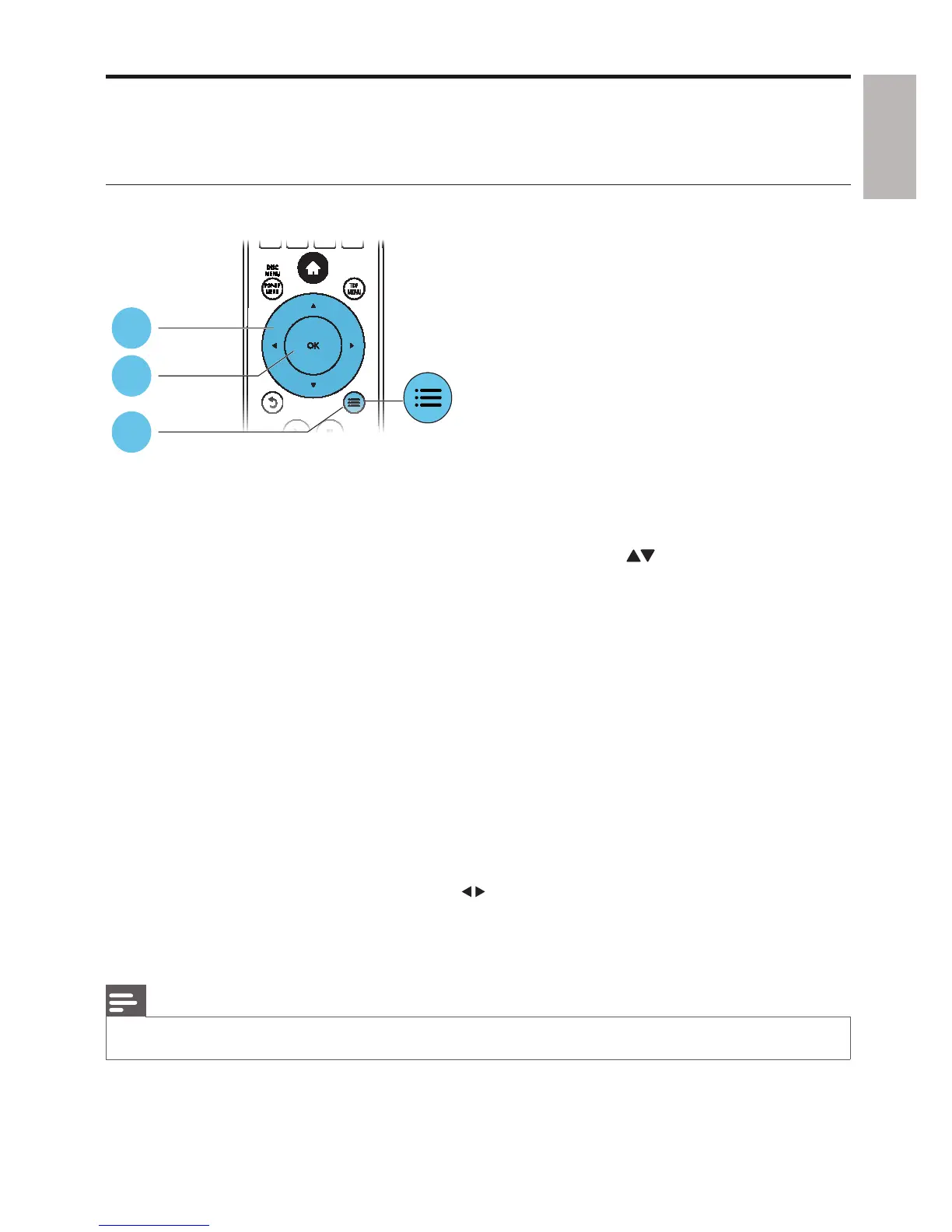
Access more options during video play.
• [Audio Language]: Select an audio language.
• [Subtitle Language]: Select a subtitle language.
• [Subtitle Shift]: Change the subtitle position on the screen. Press
to change the subtitle
position.
• [Info]: Display play information.
• [Character Set]: Select a character set that supports the DivX video subtitle (only for DivX
videos).
• [Time Search]: Skip to a specific time via the numeric buttons on the remote control.
• [2nd Audio Language]: Select the second audio language (only for Blu-ray discs that support
BonusView).
• [2nd Subtitle Language]: Select the second subtitle language (only for Blu-ray discs that support
BonusView).
• [Titles]: Select a title.
• [Chapters]: Select a chapter.
• [Angle List]: Select a camera angle.
• [Menus]: Display a disc menu.
• [PIP Selection] : Display a picture-in-picture window.
• [Zoom] : Zoom into a video picture. Press
to select a zoom factor.
• [Repeat] : Repeat a chapter or title.
• [Repeat A-B] : Mark two points within a chapter for repeat play, or turn off repeat mode.
• [Picture Settings] : Select a predefined color setting.
Note
Available video options depend on the video source. •
1
2
3



 To Next Page