EasyManua.ls Logo

Philips BDP3210B - User Manual

Philips BDP3210B
28 pages
Print Icon
To Next Page IconTo Next Page
Loading...
www.philips.com/support
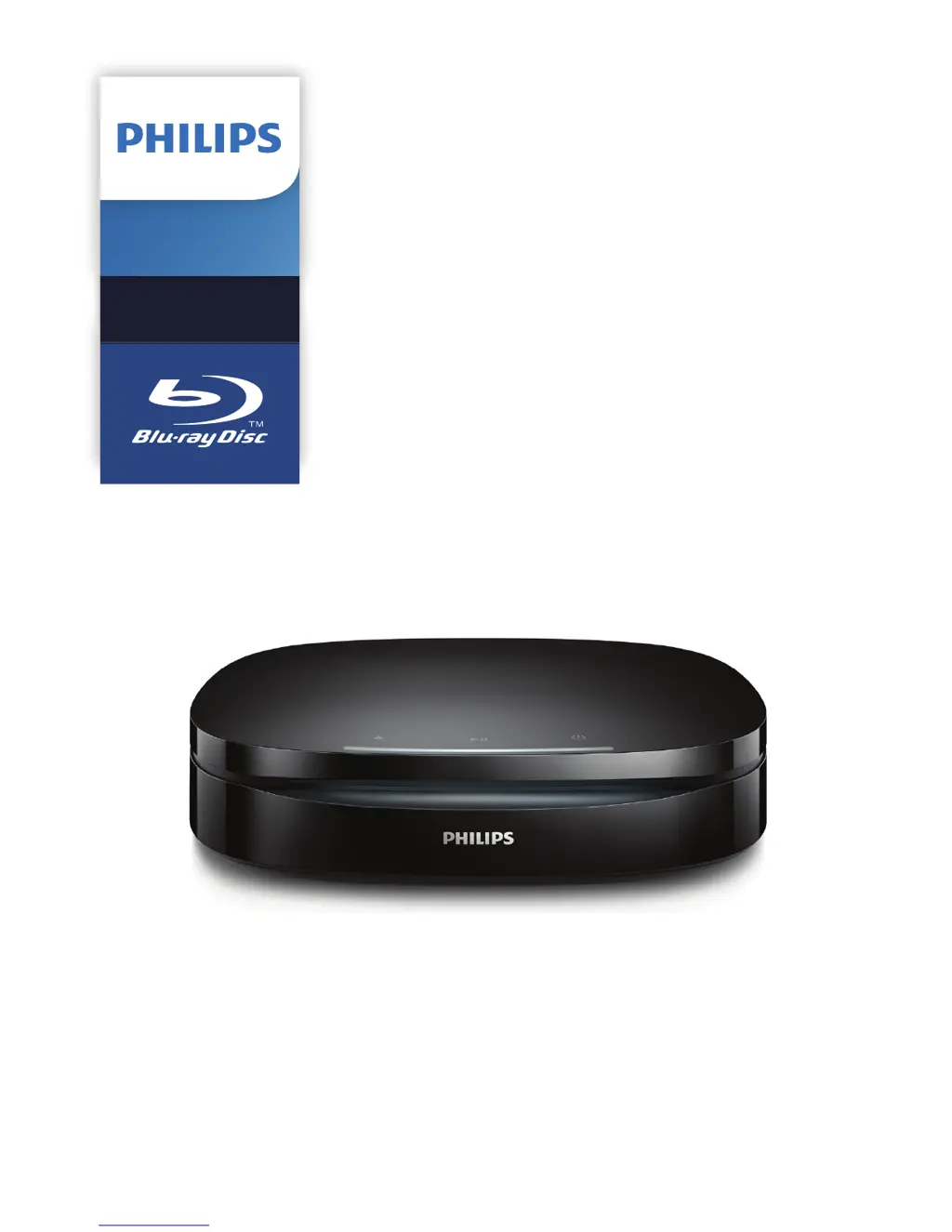
User manual
Register your product and get support at
Blu-raydisc/
DVD player
BDP3210B
BDP3215B
Blu-raydisc/
DVD player

Questions and Answers

  • R
    rebeccaromanAug 17, 2025
    Why does EasyLink feature not work on Philips Blu-ray Player?
    • J
      Jennifer Gross DDSAug 17, 2025
      If the EasyLink feature is not working on your Philips Blu-ray Player, ensure that the player is connected to a Philips brand EasyLink TV and that the EasyLink option is turned on.
  • D
    Debra ThomasAug 20, 2025
    How to fix buttons that don't work on Philips Blu-ray Player?
    • L
      Laura FrancisAug 20, 2025
      If the buttons on your Philips Blu-ray Player are not working, disconnect the player from the power supply for a few minutes, and then reconnect it.
  • J
    Jose ScottAug 22, 2025
    Why is there no picture on my Philips Blu-ray Player with HDMI connection?
    • M
      Melissa BarkerAug 23, 2025
      If you are not getting any picture on your Philips Blu-ray Player when using an HDMI connection, ensure the HDMI cable is not faulty; replace it if necessary. Also, if this player is connected to an unauthorized display device with an HDMI cable, the audio and video signals may not be output. You can also try pressing the button on the remote control and then pressing “731” (numeric buttons) to recover picture display, or wait 10 seconds for auto recovery.
  • T
    Tamara CabreraAug 25, 2025
    Why is there no sound on HDMI connection with my Philips Blu-ray Player?
    • B
      bhendersonAug 26, 2025
      If you're experiencing no sound on your Philips Blu-ray Player via HDMI, it might be because the connected device doesn't fully support HDCP or is only DVI-compatible. In such cases, you might not get any sound from the HDMI output.
  • M
    moorejeffreyAug 27, 2025
    What to do if my Philips Blu-ray Player cannot play a disc?
    • G
      gonzalezandreaAug 28, 2025
      If your Philips Blu-ray Player won't play a disc, try the following: Clean the disc, ensure it's correctly loaded, verify that the player supports the disc type, and confirm that the player supports the region code of the DVD or BD. For DVD±RW or DVD±R discs, make sure that the disc is finalized.
  • R
    Richard MckenzieAug 30, 2025
    Why Philips Blu-ray Player cannot read the contents of a connected USB storage?
    • J
      Jonathan MontoyaAug 30, 2025
      If your Philips Blu-ray Player is not reading the contents of a connected USB storage device, verify that the format and file system of the USB storage device are compatible with the player. If you are using a USB HDD (portable hard disc drive), it may require an external power source.
  • A
    Anthony ContrerasSep 1, 2025
    Why does my Philips Blu-ray Player not play high-definition video from a disc?
    • J
      jamesmillerSep 2, 2025
      If your Philips Blu-ray Player isn't displaying high-definition video from a disc, ensure that the disc actually contains high-definition video and that your TV supports high-definition video.
  • A
    Anthony SimonSep 4, 2025
    What does 'No entry' or 'x' sign mean on Philips Blu-ray Player?
    • J
      Jamie CarrollSep 4, 2025
      If you see a 'No entry' or 'x' sign displayed on the TV when using your Philips Blu-ray Player, it indicates that the operation you are trying to perform is not possible.
  • E
    Elijah RojasSep 6, 2025
    What to do if there is no picture on Philips Blu-ray Player?
    • R
      Randy GonzalezSep 7, 2025
      If you're not getting any picture on your Philips Blu-ray Player, make sure that the TV is switched to the correct source input for the player.
  • E
    Eric WarrenSep 9, 2025
    How to fix DivX subtitles that do not display correctly on Philips Blu-ray Player?
    • T
      Terry FoxSep 9, 2025
      To resolve DivX subtitles not displaying correctly on your Philips Blu-ray Player, ensure that the subtitle file has the same name as the DivX video file and that the subtitle file has a supported extension name (.srt, .sub, .txt, .ssa, or .smi).

Philips BDP3210B Specifications

General IconGeneral
BrandPhilips
ModelBDP3210B
CategoryBlu-ray Player
LanguageEnglish

Related product manuals