12
EN
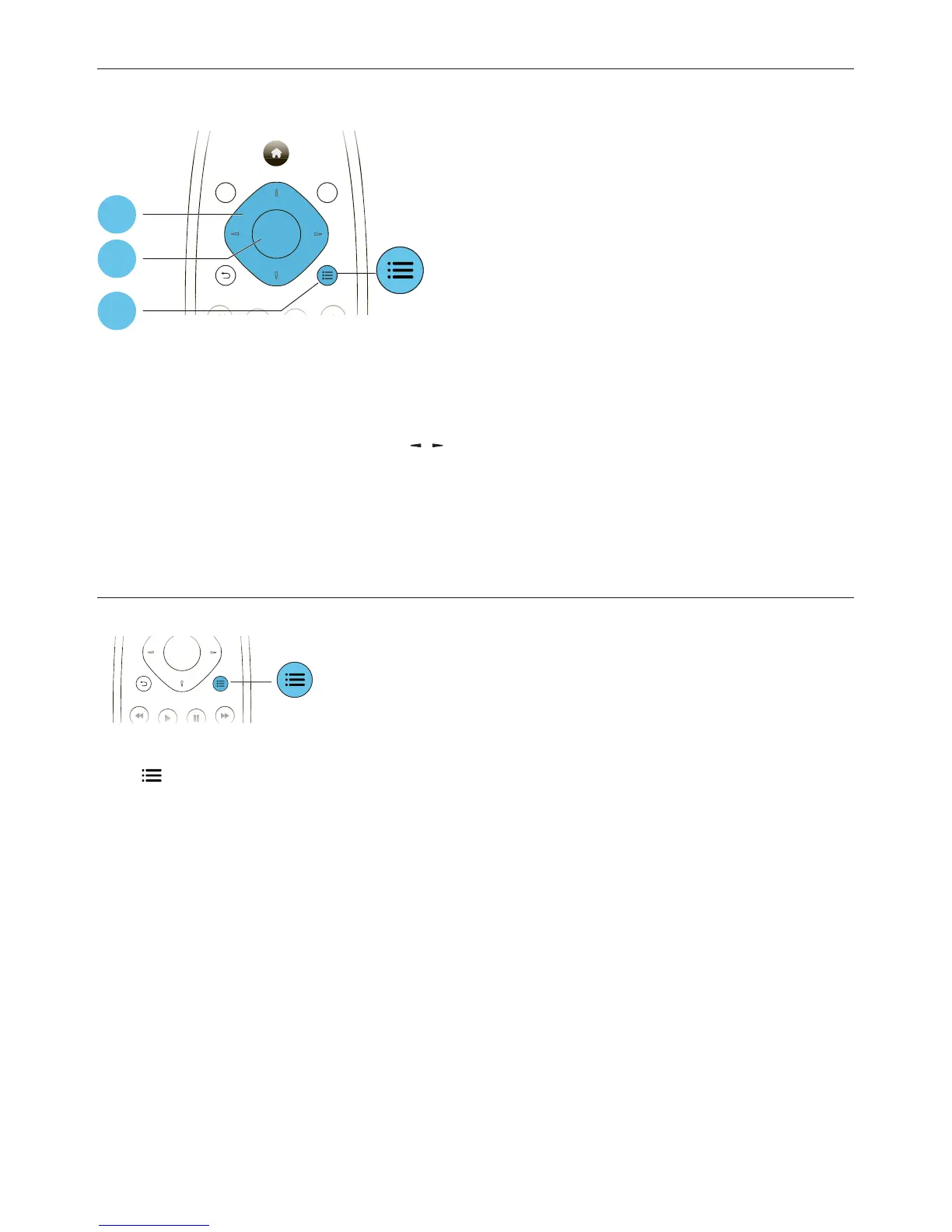
Picture options
Access more options during slideshow.
• [Rotate +90]: Rotate a picture 90 degrees clockwise.
• [Rotate -90]: Rotate a picture 90 degrees counter-clockwise.
• [Zoom]: Zoom into a picture. Press
/ to select a zoom factor.
• [Info]: Display picture information.
• [Duration per slide]: Set a display interval for a slideshow.
• [Slide Animation]: Select a transition effect for a slideshow.
• [Picture Settings]: Select a predefined color setting.
• [Repeat]: Repeat a selected folder.
Audio options
Press repeatedly to cycle through the following options.
Repeat the current track.•
Repeat all the tracks on the disc or folder.•
Play audio tracks in a random loop.•
Turn off a repeat mode.•
DISC /
POP-UP
TOP
MENU
OK
1
2
3
OK



 To Next Page