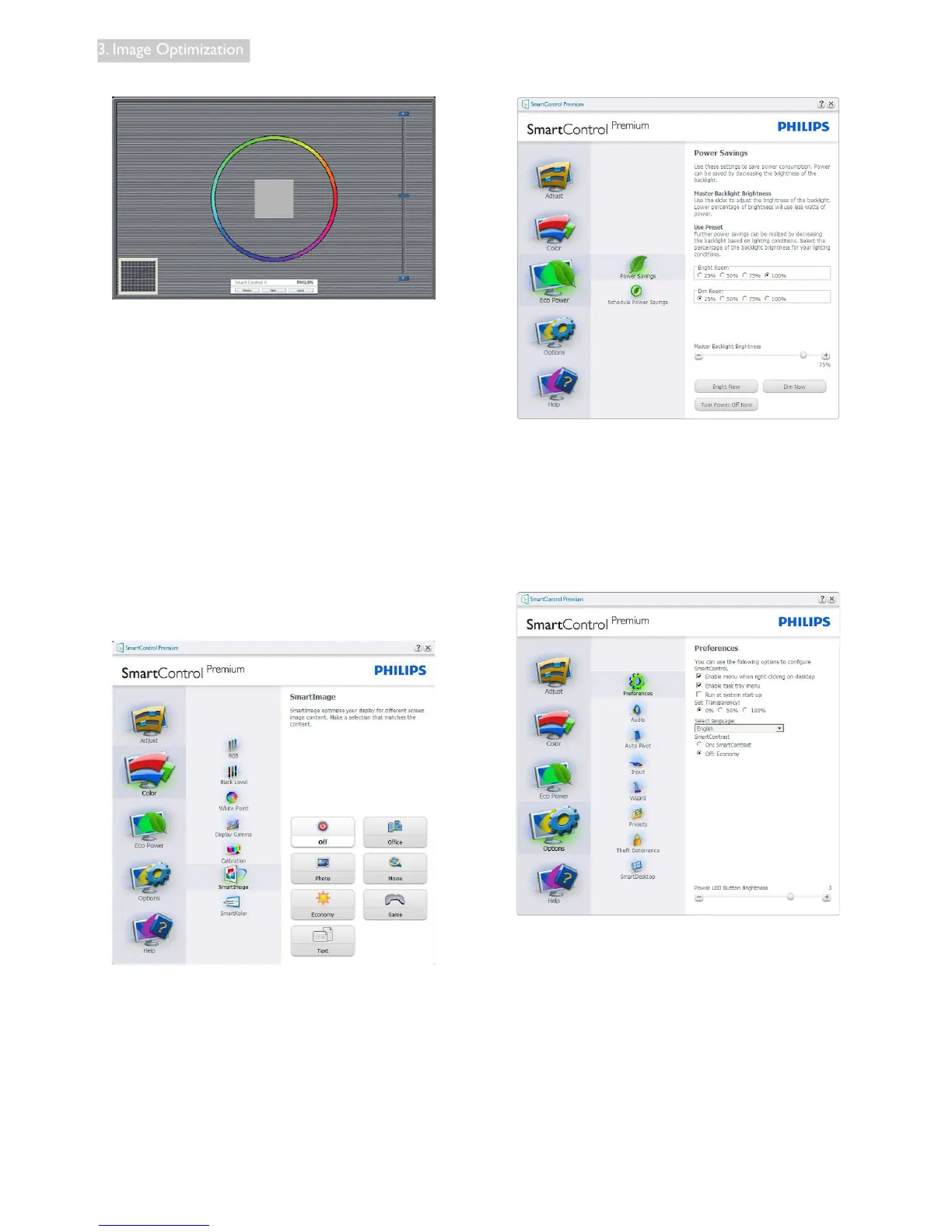
First Color Calibration Screen
• Previous button is disabled until the second
color screen.
• Next goes to the succeeding target
(6-targets).
• Final next goes File > Presets pane.
• Cancel closes the UI and returns to the
plug in page.
SmartImage
Allow users to change setting for better display
setting based on content.
When Entertainment is set, SmartContrast and
SmartResponse are enabled.
Eco Power menu
Options menu
Options>Preferences - Will only be active
when selecting Preferences from the drop-
down Options menu. On a non-supported
display capable of DDC/CI, only the Help and
Options tabs are available.
• Displays current preference settings.
• A checked box enables the feature. The
check box is a toggle.
• Enable Context Menu on desktop is
checked(On)bydefault.EnableContext
menu displays SmartControl Premium
selections for Select Preset and Tune
Display in the desktop right-click context










 To Next Page