7EN
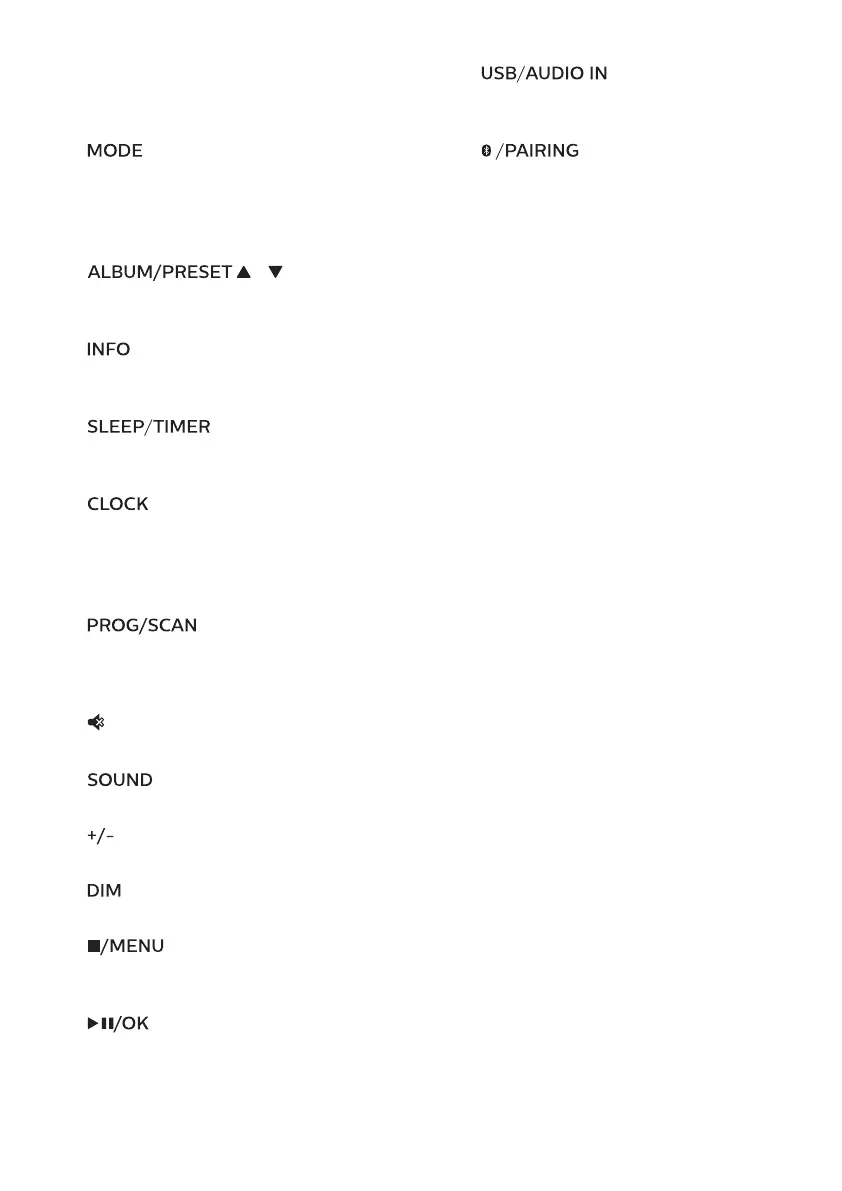
• Tune to an FM station.
• Adjust time.
• Select a DAB+ station.
e
• Select shue mode to play
tracks randomly.
• Select repeat mode to play a
track or all tracks repeatedly.
f
/
• Select a preset radio station.
• Skip to previous/next album.
g
• Display playback information, or
radio service information.
h
• Set sleep timer.
• Set alarm timer.
i
• Set the clock.
• View clock information.
• In standby, press and hold to
toggle clock display on or o.
j
• Program tracks.
• Program radio stations.
• Auto store radio stations.
k
• Mute or restore volume.
l
• Select a preset sound eect.
m
(volume)
• Adjust volume.
n
• Adjust display brightness.
o
• Stop play or erase a program.
• Enter or exit DAB+ menu.
p
• Press to start, pause, or resume
play.
• Conrm or select a DAB+ item.
q
• Select USB source.
• Select AUDIO IN source.
r
• Select Bluetooth source
• In Bluetooth mode, press and
hold for more than 2 seconds to
enter pairing mode



 To Next Page