10EN
2 Press and hold for 3 seconds to start
full scan.
» The system automatically stores FM
radiostationswithsufcientsignal
strength.
» Therstpresetstationisbroadcast
automatically.
Tip
•
To exit storing mode, press or .
4 Play
Play disc
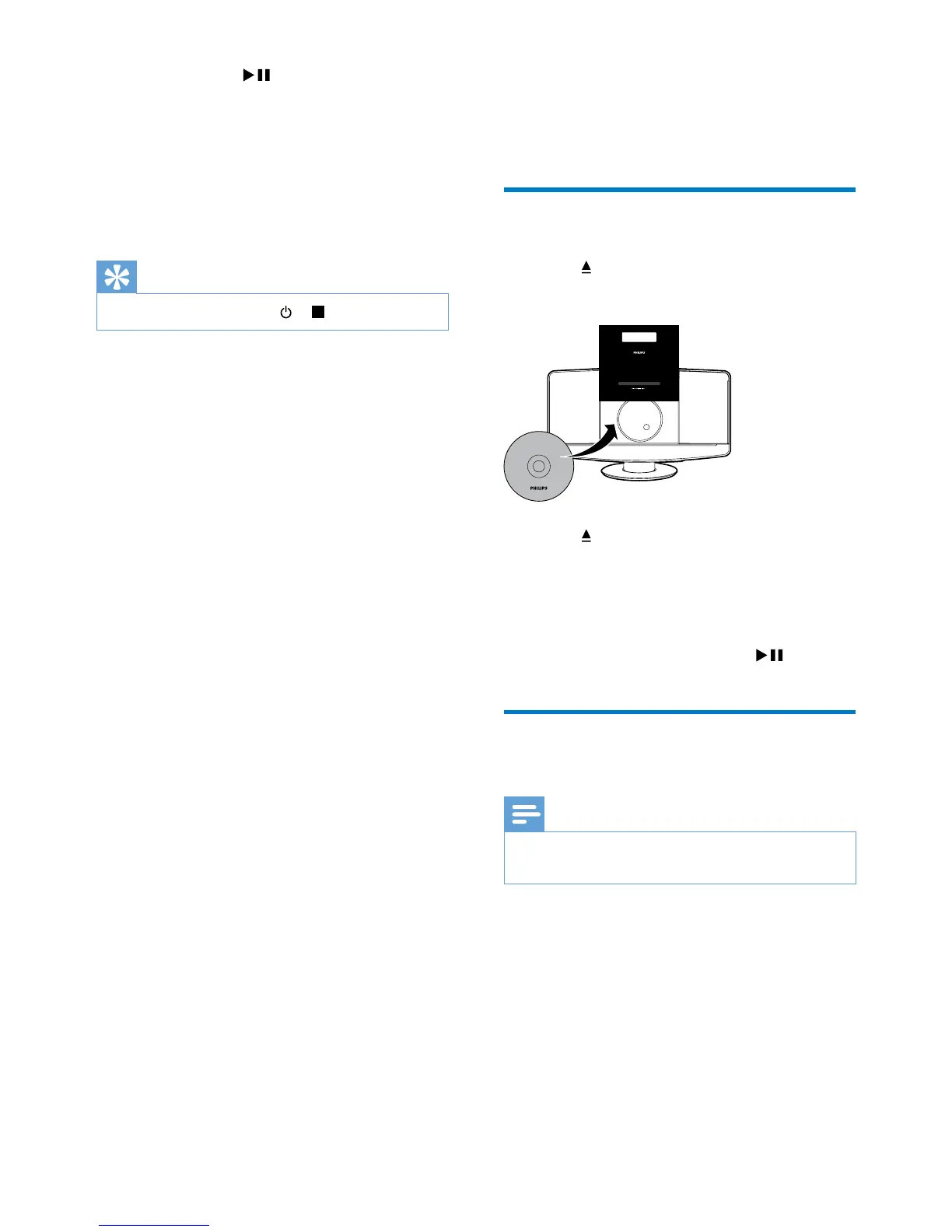
1
Press to open the disc tray.
2 Insert a disc with the printed side facing up.
3 Press to close the disc tray.
4 Press CD on the remote control to select
the disc source.
» [Reading] (reading) blinks for a
moment, then CD starts playing
automatically. If not, press
.
Play from a USB storage
device
Note
•
Make sure that the USB device contains playable audio
content.
050



 To Next Page