Gantry
3-22 CardioMD Service Manual 1MAN0158-H11 04-2005 CSIP Level 1
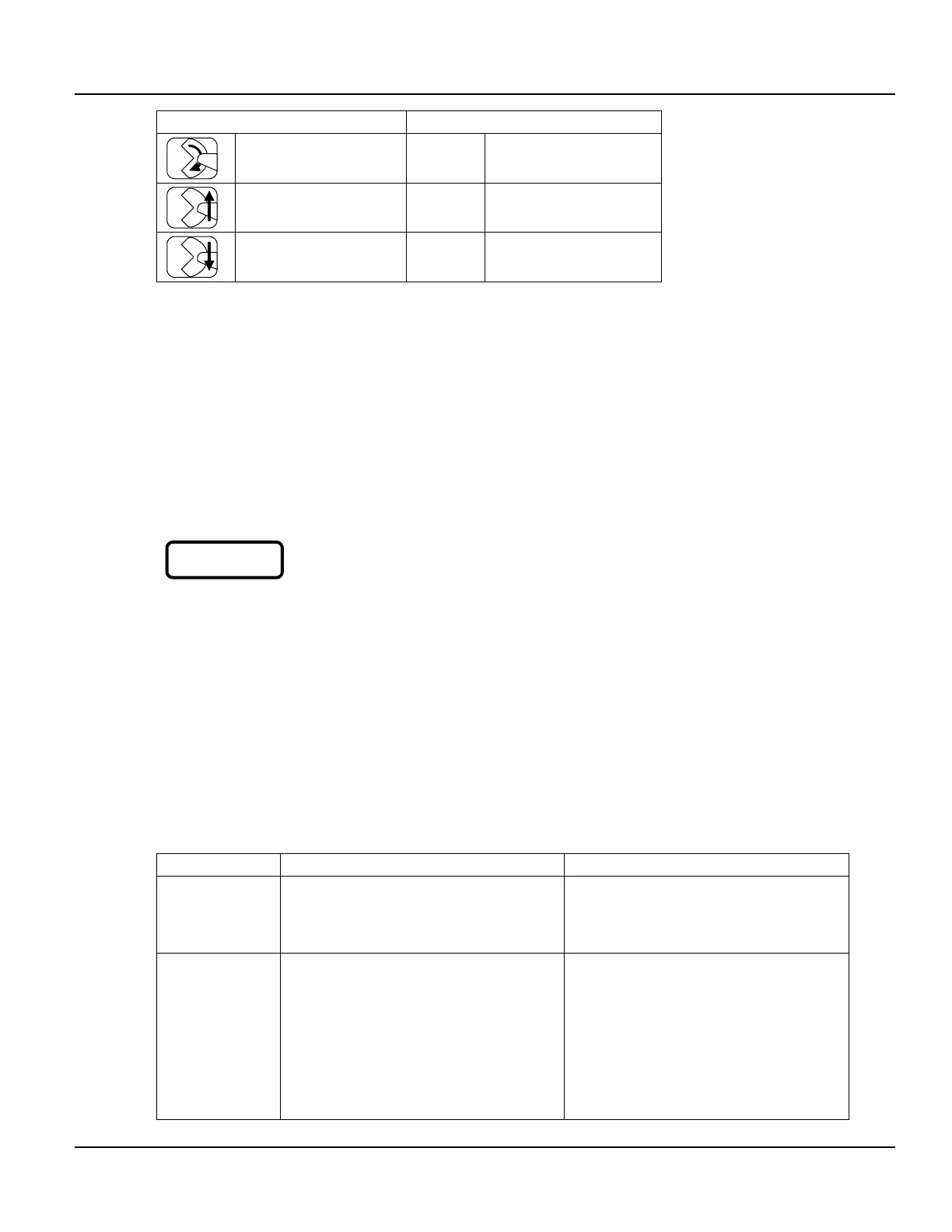
Motion keys Functional keys
Rotate CW
Detector up
Detector down
Table 3.7 The hand controller buttons
3.2.7.1 Collision Override
When a safety stop has been activated, the user must press the Collision Override button to
activate the system again. The yellow LED on the hand controller next to the Collision Override
button indicates when the use of Collision Override is required. The LED is also ON if the
detectors are too close to the table or the gantry base, in which case the motor power is not
interrupted.
When Collision Override and one of the motion keys are pressed simultaneously, the system starts
moving at very low speed, allowing movements away from the collision.
Note. Motion is only possible after a delay of 4 – 5 seconds after motor power is re-established.
Caution. When Collision Override is used instead of Motion Enable, it is
possible to drive the detectors into the table or the gantry base.
Both the Collision Override key and the motion key must be released before another motion can
occur.
When the system has moved into a safe area (that is, where a collision is no more detected), it is
possible to use the Motion Enable key again.
3.2.8 Safety Circuit
A hardwired safety circuit controls all motion power. Motion power consists of 180 V DC for
Rotate and Y drive, 55 V DC for X drive and 24 V DC for table drive. These three voltages are
passed through a relay inside the main power supply. The relay itself is powered from a 24 V
loop, running through the external E-Stop Buttons and relays on the safety board.
3.2.8.1 Safety Stop Scenarios
Scenario Indications Recovery action
Collision on
collimator,
detector or
gearbox
Collision indicator LED is ON
Hand controller Override LED is ON
Motor power indicator LED is OFF
Press hand controller Collision Override
button, together with the relevant motion
button and back out of the collision
Rotate, X or Y
axis reached
ultimate limit
Motor power indicator LED is OFF
Red ULT_STOP LED on safety board is
ON
Typically, this condition is caused by
incorrect adjustment of one of the ultimate
stop switches or one of the absolute
encoders.
Green LED’s on the safety board indicate
those switches not activated. Please
observe that the LED’s are connected in
series: If the Y switch is active (the LED
for vertical is OFF), the X and rotate
CAUTION



 To Next Page