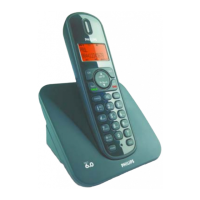
Your phone
10
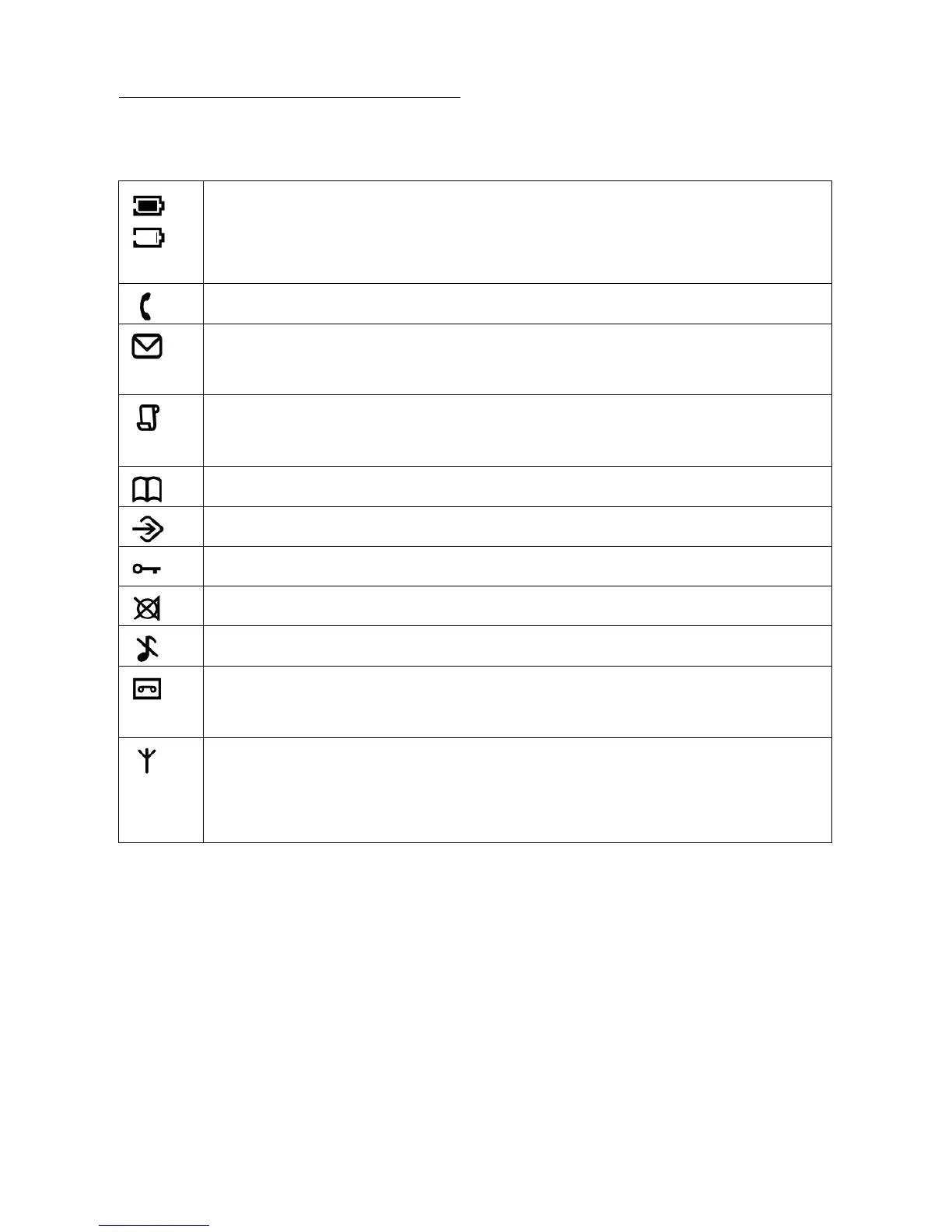
Indicate battery level. Display empty battery icon when
the battery level is low, otherwise, full battery icon is
displayed.
Display when the phone is in use. Blink during ringing.
Blink when new voicemail messages are received and not
read yet
Display when browsing the call log. Blink when missed
calls are received.
Display when browsing the phonebook
Display when the phone is in phone setting mode
Display when the keypad is locked
Display when the microphone is muted
Display when the ringer is turned off
Display when the telephone answering machine (TAM) is
turned on. Blink when new TAM messages are received.
Display when the handset is registered and within the
range of the base station. Blink when the handset is out
of range or is searching for a base.
2.2.2 Display icons on the
handset



 To Next Page