Answering machine
32
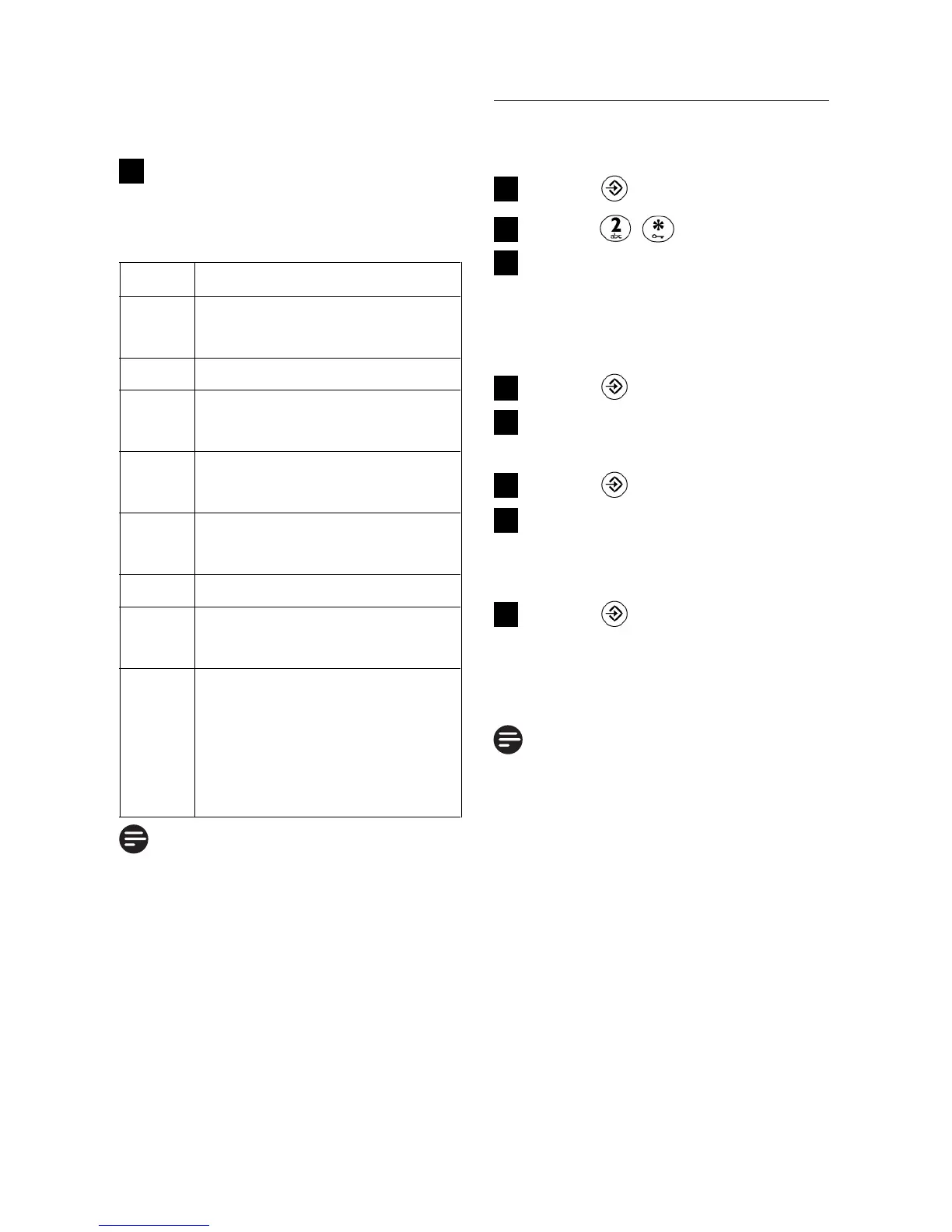
Keys Description
1 Skip to the previous
message
2 Play the message
3 Skip to the next
message
6 Delete the playing
message
7 Turn on the answering
machine
8 Stop message playback
9 Turn off the answering
machine
# Enter the remote
access code if the
answering machine is
on and outgoing
message is playing.
Note
If the answering machine is off,
the phone will enter into the
remote access mode after 10
rings. User can then enter the
4-digit remote access PIN
(default is 0000) to activate the
remote access feature.
old message would be played
back after a long beep.
Press the following keys to
carry out the desired
function
4
6.12 How to change the
remote PIN
Press
Press ,
Enter the default/current
4-digit remote access PIN
(default remote access PIN
is 0000.)
Press
Enter your new remote
access PIN
Press
Enter your new remote
access PIN again to
reconfirm
Press to save the
settings
•
The new remote access PIN
is saved.
Note
The remote access PIN is
different from the master PIN.
8
7
6
5
4
3
2
1



 To Next Page