EasyManua.ls Logo

Philips CDP 200 - Troubleshooting (Continued); CD Playback Errors; Sound Quality Issues; Remote Control Malfunctions

Philips CDP 200
16 pages
Print Icon
To Next Page IconTo Next Page
To Previous Page IconTo Previous Page
Loading...
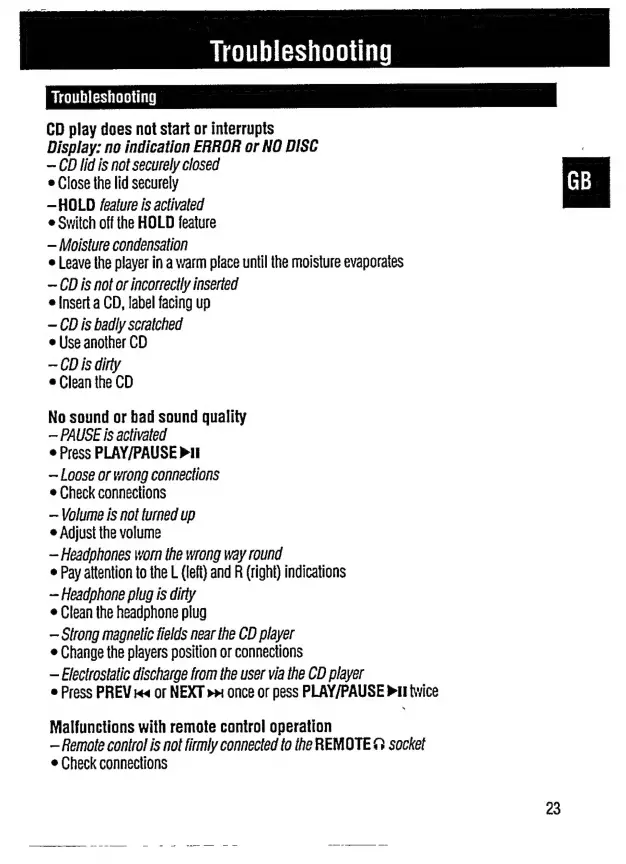
Troubleshooting
Troubleshooting
CD
play
does
not
start
or
interrupts
Display:
no
indication
ERROR
or
NO
DISC
CD
lid
is
not
securely
closed
e
Close
the
lid
securely
—HOLD
feature
is
activated
e
Switch
off
the
HOLD
feature
Moisture
condensation
e
Leave
the
player
in
a
warm
place
until
the
moisture
evaporates
CD
is
not
or
incorrectly
inserted
e
Insert
a
CD,
label
facing
up
CD
is
badly
scratched
e
Use
another
CD
CD
is
dirty
e
Clean
the
CD
No
sound
or
bad
sound
quality
PAUSE
is
activated
e
Press
PLAY/PAUSE
Pl
Loose
or
wrong
connections
e
Check
connections
Volume
is
not
turned
up
e
Adjust
the
volume
Headphones
worn
the
wrong
way
round
e
Pay
attention
to the
L
(left)
and
R
(right)
indications
Headphone
plug
is
dirty
e
Clean
the
headphone
plug
Strong
magnetic
fields
near
the
CD
player
e
Change
the
players
position
or
connections
Electrostatic
discharge
trom
the
user
via
the
CD
player
e
Press
PREV
ra
or
NEXT
>w
once
or
pess
PLAY/PAUSE
PII
twice
Malfunctions
with
remote
control
operation
Remote
control
is
not
firmly
connected
to
the
REMOTE
&
socket
e
Check
connections

Related product manuals