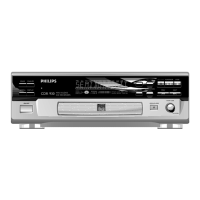
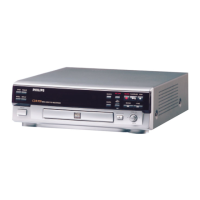
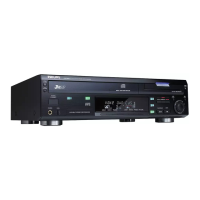
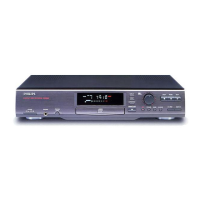
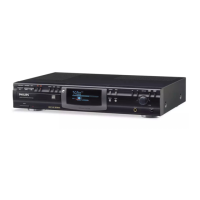
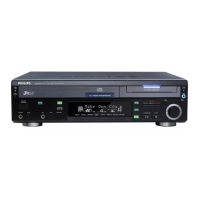
Controls
General
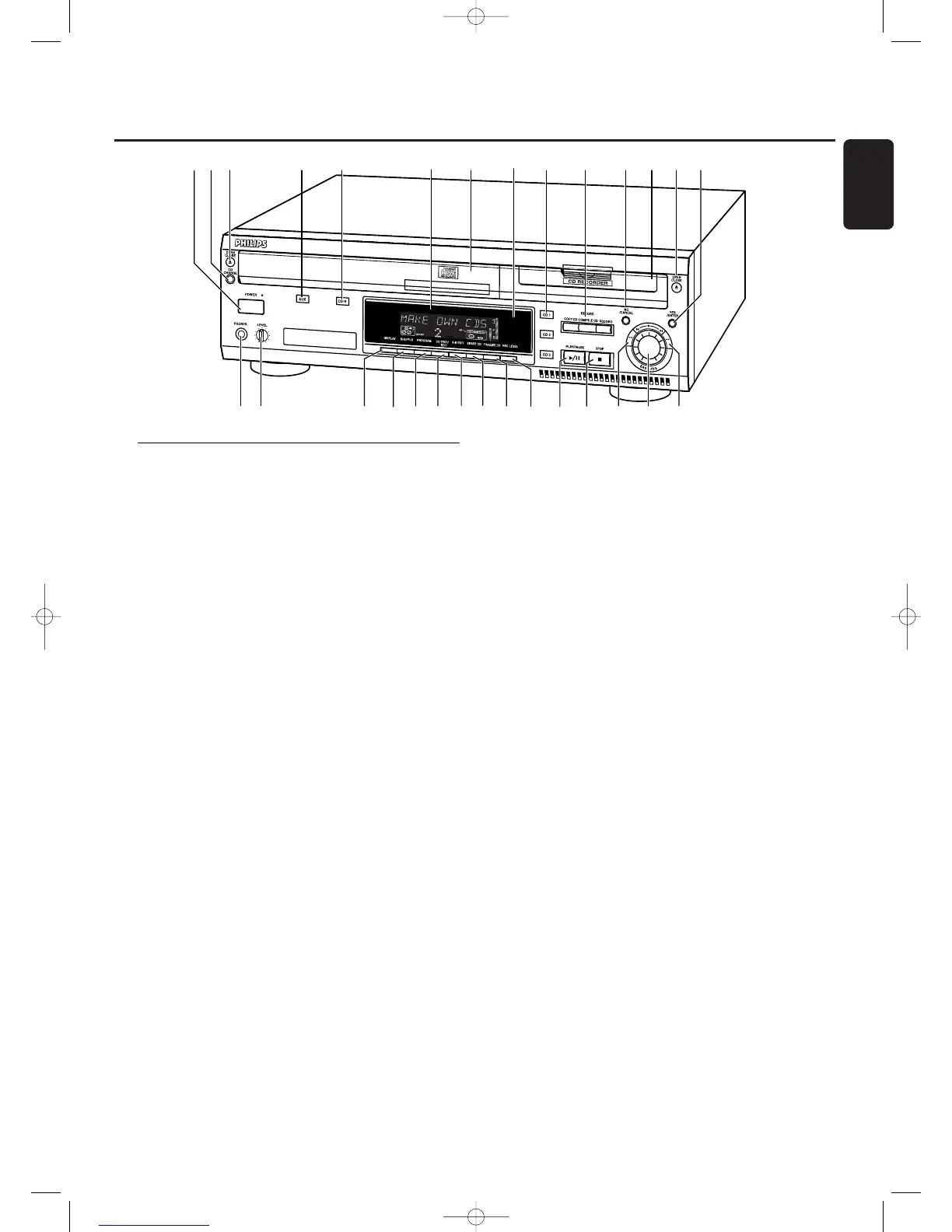
1 POWER
switches the CD recorder/changer ON and OFF
STANDBY indicator
lights up when the set is in Standby
4 AUX
selects external input
5 CDR
selects CD recorder
6 Display
information screen
8 IR sensor
receives signals from the remote control
9 CD 1, 2, 3
selects CD changer and switches to CD 1, 2 or 3
! NO/CANCEL
cancels a selection
$ YES/ENTER
confirms a selection
% PHONES
socket for headphones
^ LEVEL
headphones volume control
& DISPLAY
selects display information
* SHUFFLE
plays discs in changer and recorder or program in random
order
( PROGRAM
opens/closes program memory
) CD TEXT/edit
- makes CD text scroll over display once
- opens Text Edit mode
∞ PLAY/PAUSE 2/;
starts play/interrupts play/recording
§ STOP 9
stops playback or recording
≥ 5
- searches backward
- controls the cursor in various menus
• ¡ EASY JOG ™
selects next/previous menu item or track
ª 6
- searches forward
- controls the cursor in various menus
CD changer
2 CD CHANGE
selects next disc in CD changer
3 OPEN/CLOSE /
opens/closes changer tray
7 Disc tray
¡ A-B EDIT
opens A-B Edit mode to create your own ‘tracks’
CD recorder
0 Recording keys
COPY CD - selects high speed with auto finalize recording
mode
COMPILE CD - selects high speed recording mode/opens
program memory
RECORD - selects other recording modes
@ Disc tray
# OPEN/CLOSE /
opens/closes recorder tray
™ ERASE CD
erases recordings on CDRW
£ FINALIZE CD
finalizes/unfinalizes disc
≤ REC(ording) LEVEL
enables the EASY JOG key to set the recording level control
Controls
7
English


 To Next Page