EN
8 Listen to an
external device
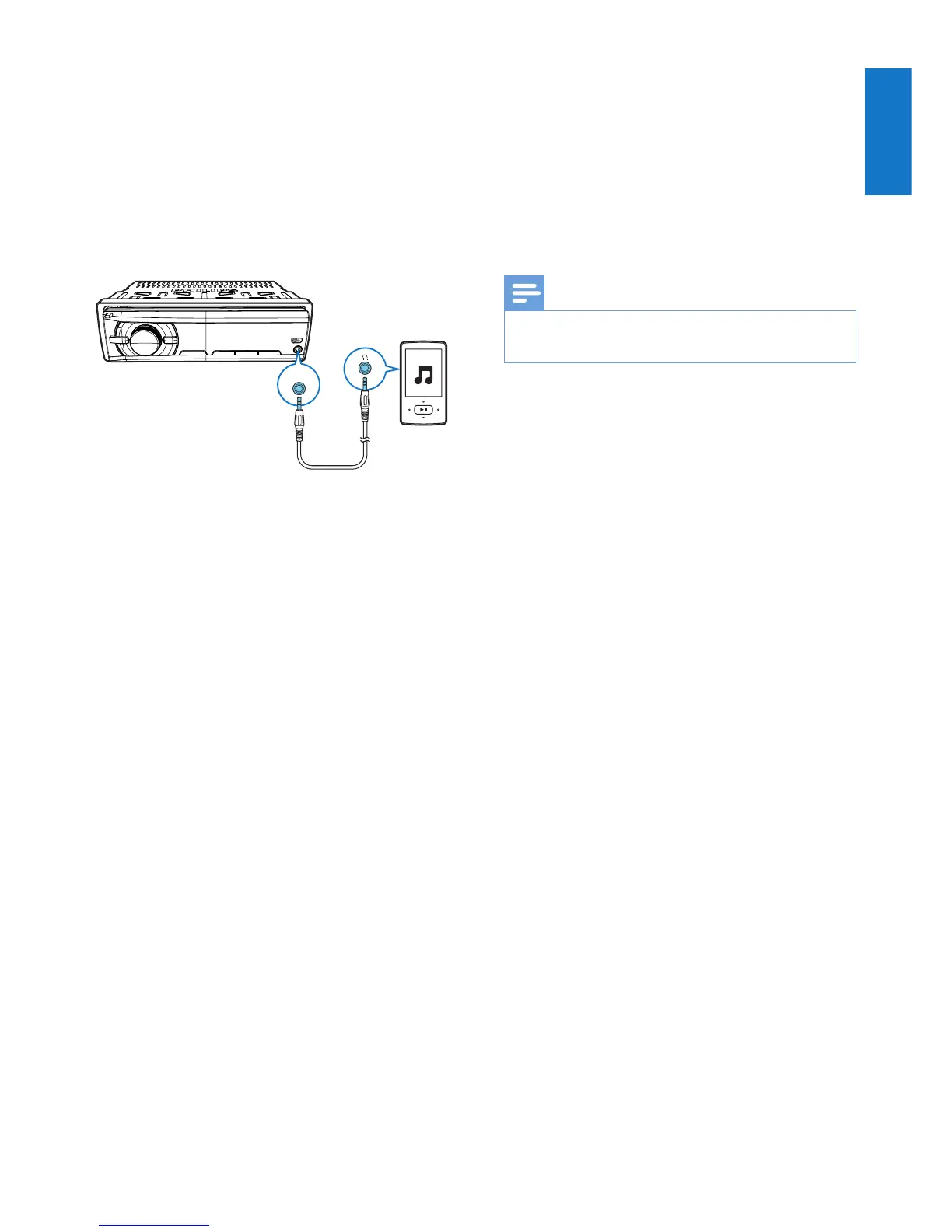
You can use the system to amplify the audio
input from an external device, for example,
MP3 player.
1 Switch the source to AUDIO IN.
2 Connect an audio in cable to
• the AUDIO IN socket on the system,
and
• the audio output socket (usually the
headphone socket) on the external
device.
3 Play the external device.
AUDIO-IN
9 Charge your
USB device
You can charge your USB device, for example,
smart phone, with this product.
Note
• The output voltage through the USB socket is 5 V with
output currency 0.5 A.
Connect your USB device to this product with
USB cable. Once the USB device is connected
and recognized, it begins to charge automatically.



 To Next Page