10 EN
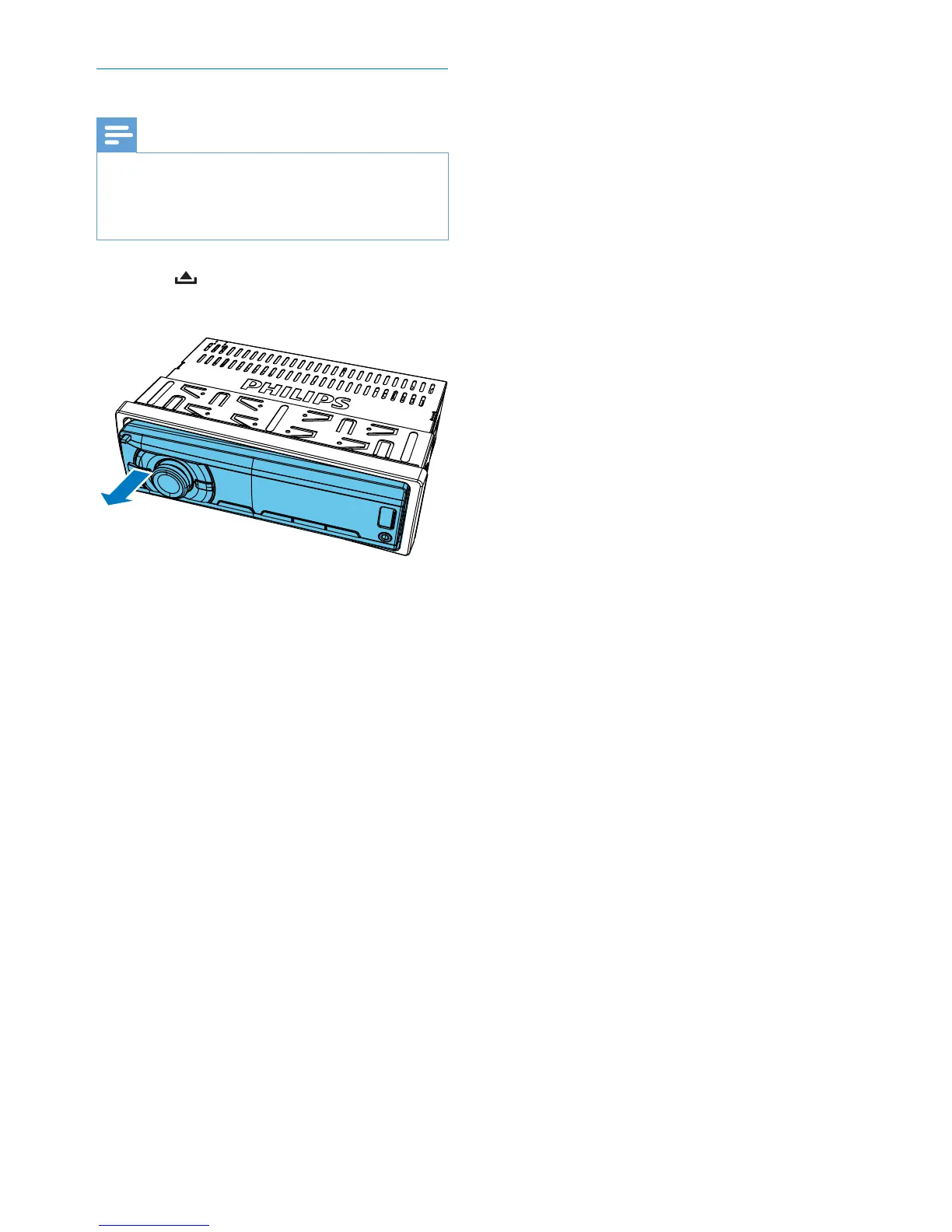
Detach the front panel
Note
Before you insert an SD/SDHC card or reset the
system, detach the front panel.
Before you detach the front panel, make sure that the
system is turned off.
1 Press to release the front panel.
2 Pull the front panel outwards to remove it.



 To Next Page