18 EN
7 Play from an
iPod/iPhone
Note
During play, no audio signals are transferred through
the headphone socket of your iPod/iPhone.
Compatible iPod/iPhone
models
This car audio system supports the following
iPod and iPhone models.
iPhone 4S, iPhone 4, iPhone 3GS, and
iPhone 3G
iPod touch (2nd, 3rd, and 4th generations)
iPod classic
iPod nano (3rd, 4th, 5th, and 6th
generations)
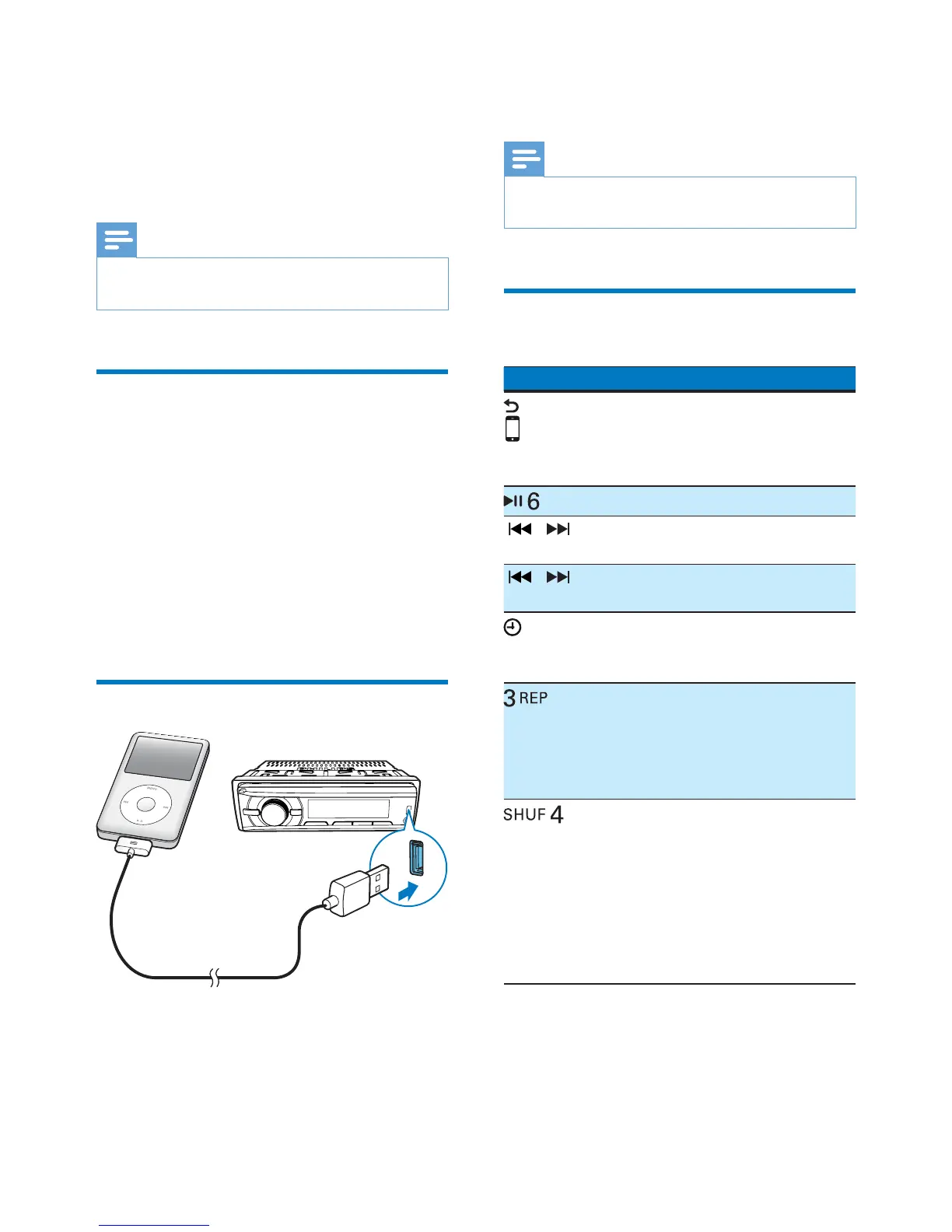
Connect your iPod/iPhone
Connect an Apple 30-pin USB cable to:
the USB socket on the front panel of this
system, and
your iPod/iPhone.
» [USB] is displayed.
» The system starts playing tracks that
are stored on your iPod/iPhone.
Note
Before you disconnect the iPod/iPhone, switch the
system to another source.
Control play
Button Function
Press repeatedly to select a
control mode: control play on
your iPod/iPhone, or on the
system.
Press to pause or resume play.
/ Press to play the previous or next
track.
/ Press and hold to rewind a track
or search forward fast.
/DISP
Press repeatedly to display
available information about the
current track.
Press repeatedly to select a repeat
mode:
[REP ONE]: repeat the current
track, or
[REP ALL]: repeat all tracks.
Press repeatedly to select a play
mode:
[SHU ALL]: play all tracks
randomly,
[SHU ALBM]: play tracks in the
current album randomly, or
[SHU OFF]: play all tracks in the
iPod/iPhone library in sequence.



 To Next Page