18
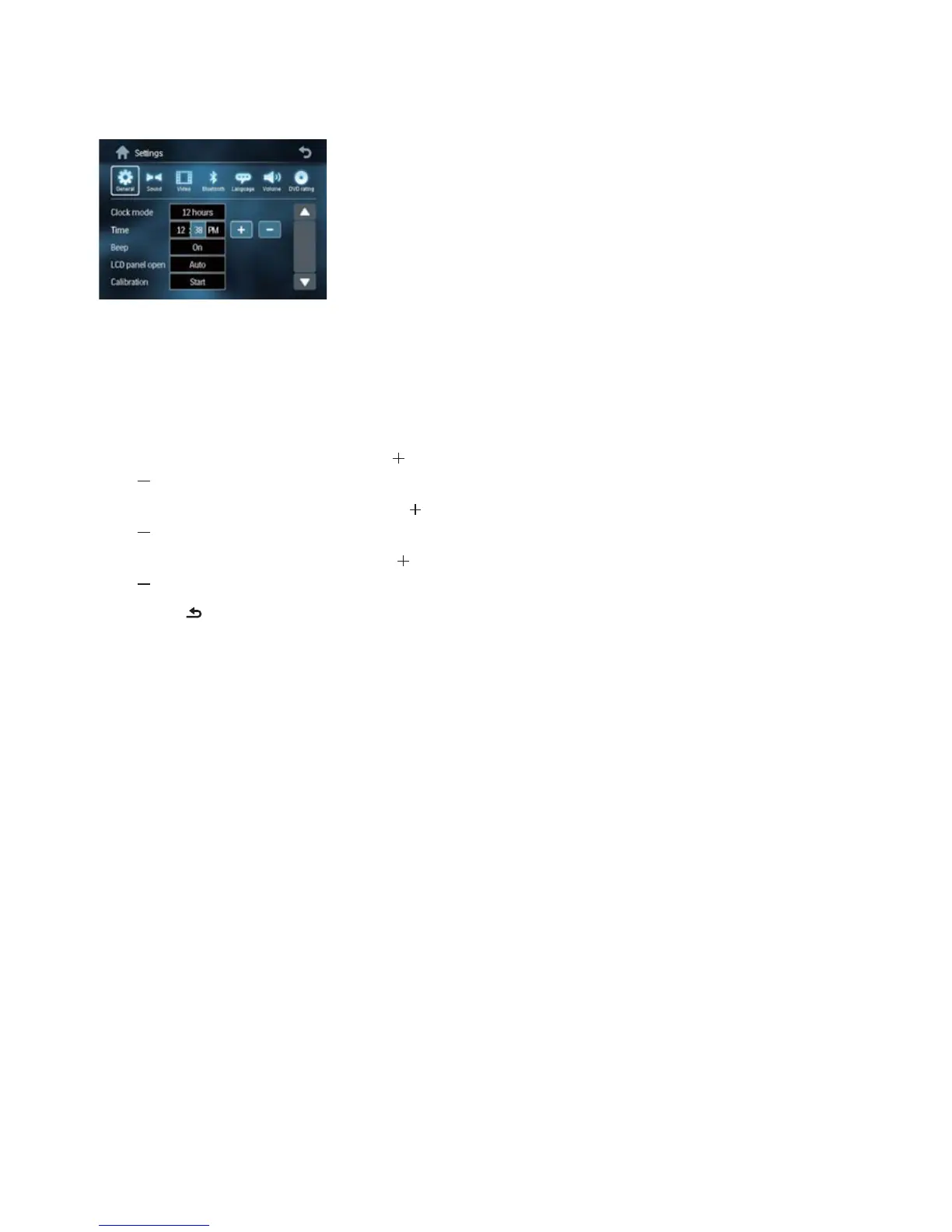
2 Touch [Settings].
The setup menu is displayed.»
3 Touch [General].
4 Touch the [Clock mode] repeatedly to
select:
• [12hr] : 12 hour mode
• [24hr] : 24 hour mode
5 Touch the hour digits, then touch or
.
6 Touch the minute digits, then touch or
.
7 If 12 hour mode is selected, touch or
to select [AM] or [PM].
8 Touch to exit.
EN



 To Next Page