25
• [Repeat chapter]: play the current
chapter repeatedly.
• [Repeat title]: play all chapters in the
title repeatedly.
• [Repeat off]: cancel repeat play.
For VCD karaoke or audio CD:
1 Touch anywhere except for the upper left
corner to display menu on the screen, if
necessary.
2 Touch to select:
• [Repeat 1]: play the current track
repeatedly.
• [Repeat off]: cancel repeat play.
For MP3/WMA fi les :
1 Touch anywhere except for the upper left
corner to display menu on the screen, if
necessary.
2 Touch to select:
• [Repeat 1]: play the current track
repeatedly.
• [Repeat folder]: play all the tracks in
the current folder repeatedly.
• [Repeat off]: cancel repeat play.
Tip
You can also press • REPT on the remote
control to select repeated play mode.
Repeat a section
You can repeat a specifi c section of video fi le
(repeat A-B).
1 During play, touch anywhere except for
the upper left corner to display menu on
the screen, if necessary.
2 Touch [Options].
3 Touch A-B repeatedly to mark:
• [Repeat A-]: the start of the section
to repeat.
4 Touch a picture fi le to select, then touch
to start play.
Search within a title/folder
Search by step
1 Touch anywhere except for the upper left
corner to display menu on the screen, if
necessary.
2 Touch [Previous] or [Next] to skip to the
previous or next chapter/track.
Direct search
1 Touch anywhere except for the upper left
corner to display menu on the screen, if
necessary.
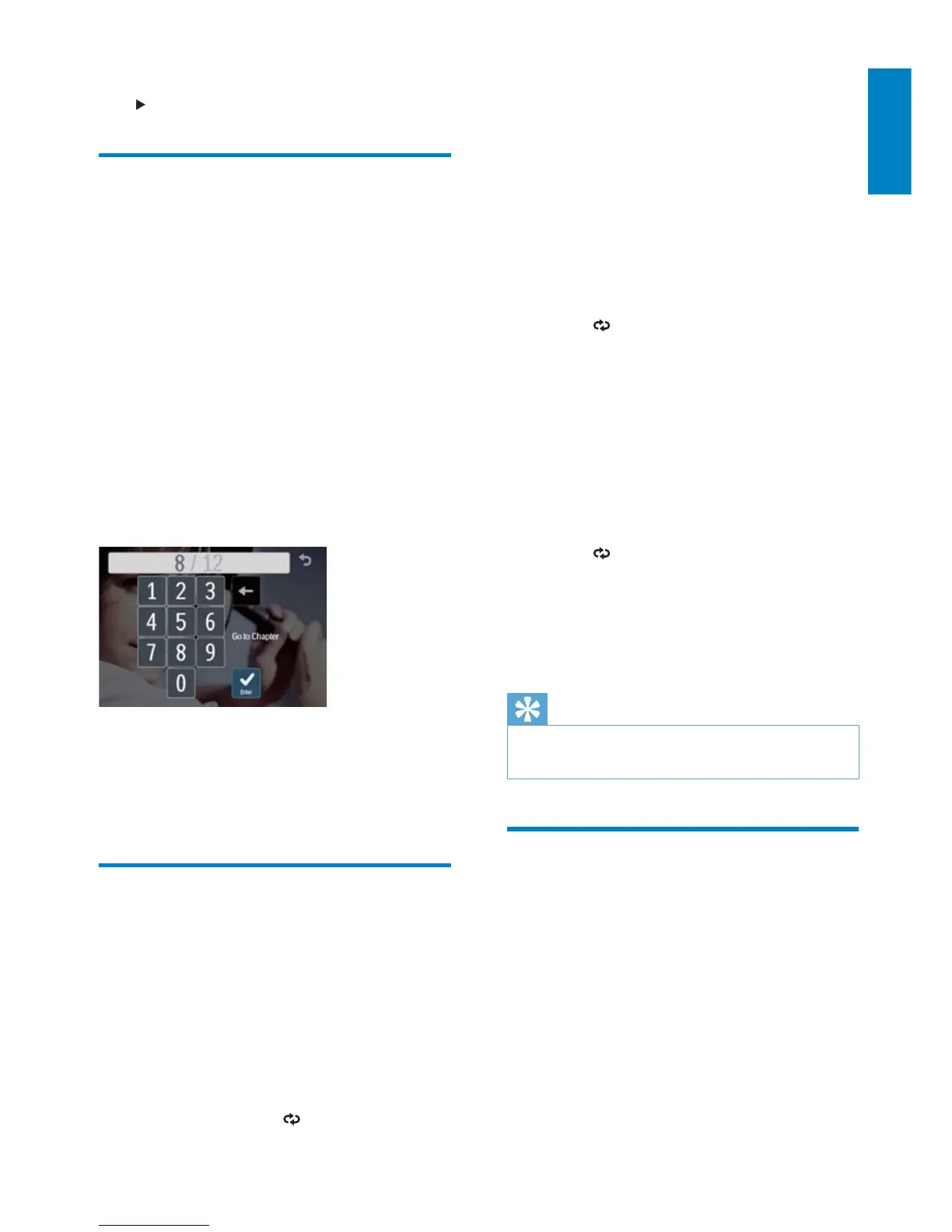
2 Touch [Goto].
The search screen is displayed.»
For video fi les, touch » [Options] fi rst,
then touch [Goto].
3 Touch the numbers to enter chapter/fi le
number, then touch [Enter].
Repeat
During play, you can select different repeat play
modes.
For DVD/VCD movie disc:
1 Touch anywhere except for the upper left
corner to display menu on the screen, if
necessary.
2 Touch [Options] > to select:
English
EN



 To Next Page