12
Tip
The pin arrangement for the ISO connectors •
depends on the type of vehicle you drive. Be
sure to make proper connections to prevent
damage to the unit.
Mount into the dashboard
1 If the car does not have an on-board
drive or navigation computer, disconnect
the negative terminal of the car battery.
If you disconnect the car battery in •
a car that has an on-board drive or
navigation computer, the computer
may lose its memory.
If the car battery is not disconnected, •
to avoid short-circuit, ensure that the
bare wires do not touch each other.
2 Ensure that car dashboard opening is
within these measurements:
3 Remove the two screws on the top of the
unit.
183 mm
53.5mm
5mm
2 Cut off the bigger end of the supplied
standard connector.
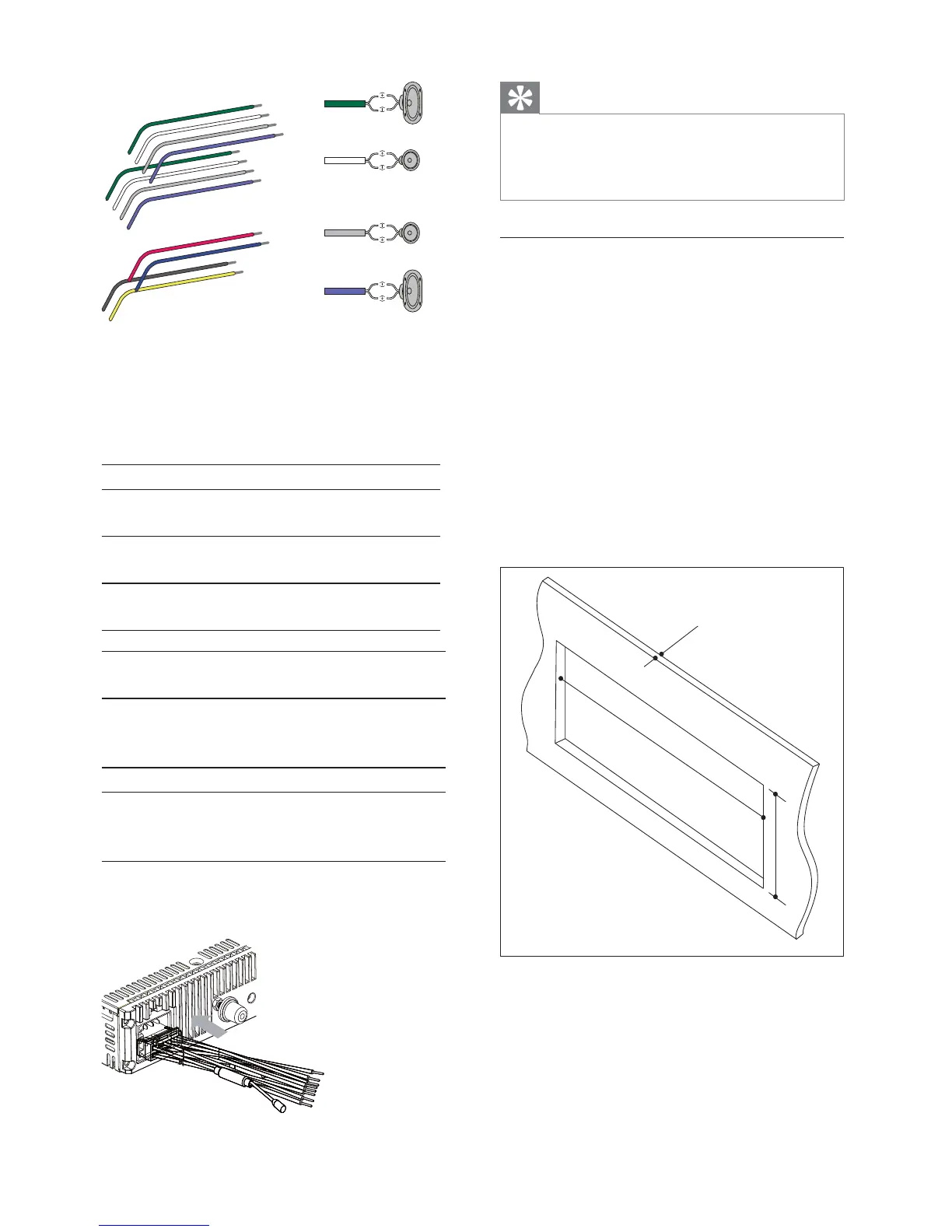
3 Check the car’s wiring carefully and
connect them to the supplied standard
connector.
1 Green/black strip Left speaker (Rear)
2 White/black strip Left speaker
(Front)
3 Gray/black strip Right speaker
(Front)
4 Purple/black strip Right speaker
(Rear)
e RED Ignition key +12V DC when
ON/ACC
f BLUE Motor/electric antenna relay
control lead/Amplifier relay
control lead
gBLACKGround
h YELLOW To the +12V car battery
which is energized at all
times
4 Connect the supplied standard connector
to the unit.



 To Next Page