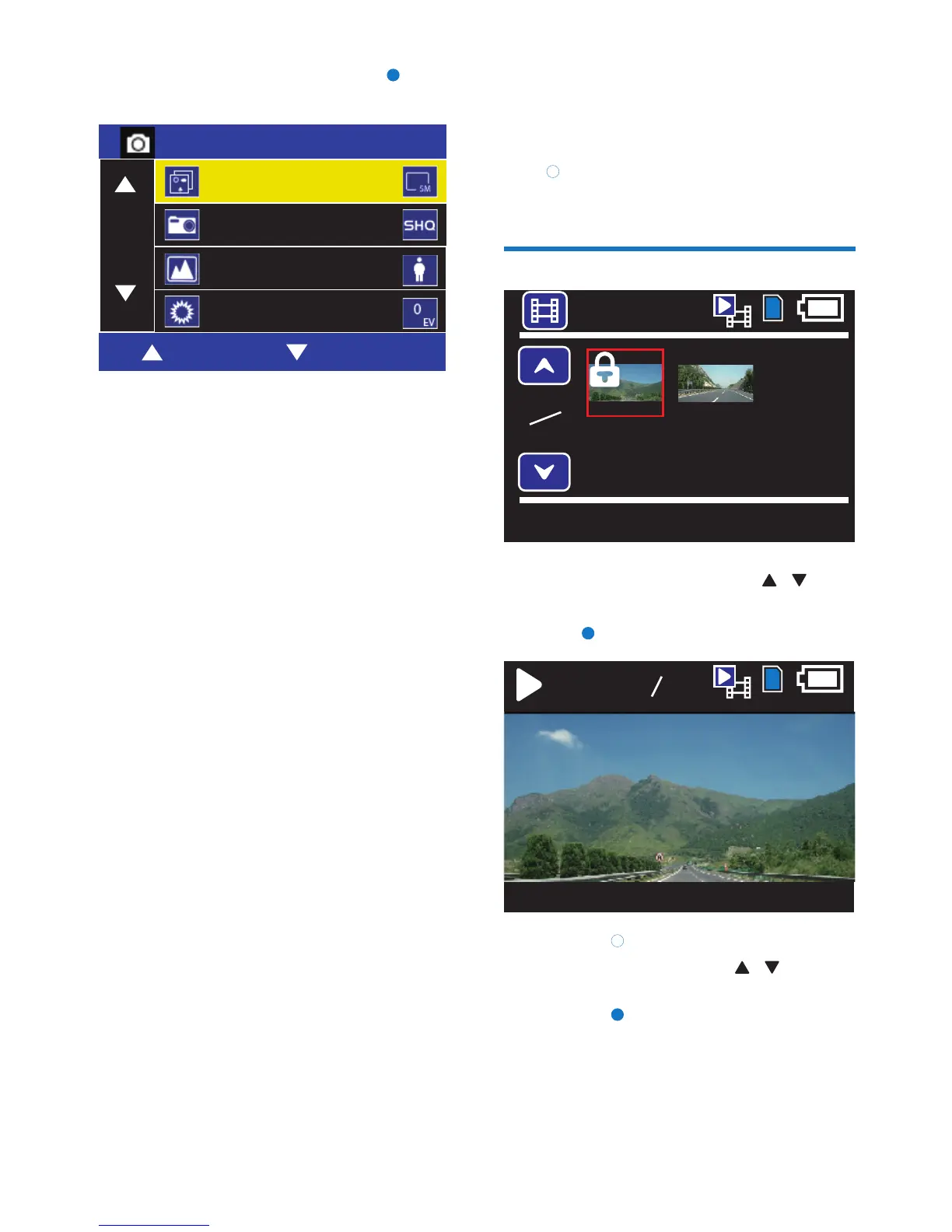
Through video settings menu, you can adjust
below settings.
• [Still Image Size]
• [Still Quality]
• [Scene]
• [Exposure]
• [White Balance]
• [ISO Sensitivity]
• [Color]
• [Effect]
图像参数
6WLOO,PDJH6L]H
6(/(&7 2.
6WLOO&DSWXUH
6WLOO4XDOLW\
6FHQH
([SRVXUH
6 Playback
Press
M
repeatedly to enter video playback
mode or photo playback mode.
Video Playback
1 In video playback mode, press / to
select a video.
2 Press
OK
to start video playback.
• Press
M
to return to the video list.
• During playback, press / to fast-
forward or fast-reverse the video.
• Press
OK
to pause or restart the
playback.
B'6&6$9,
>@
029B6$9,


 To Next Page