10
English
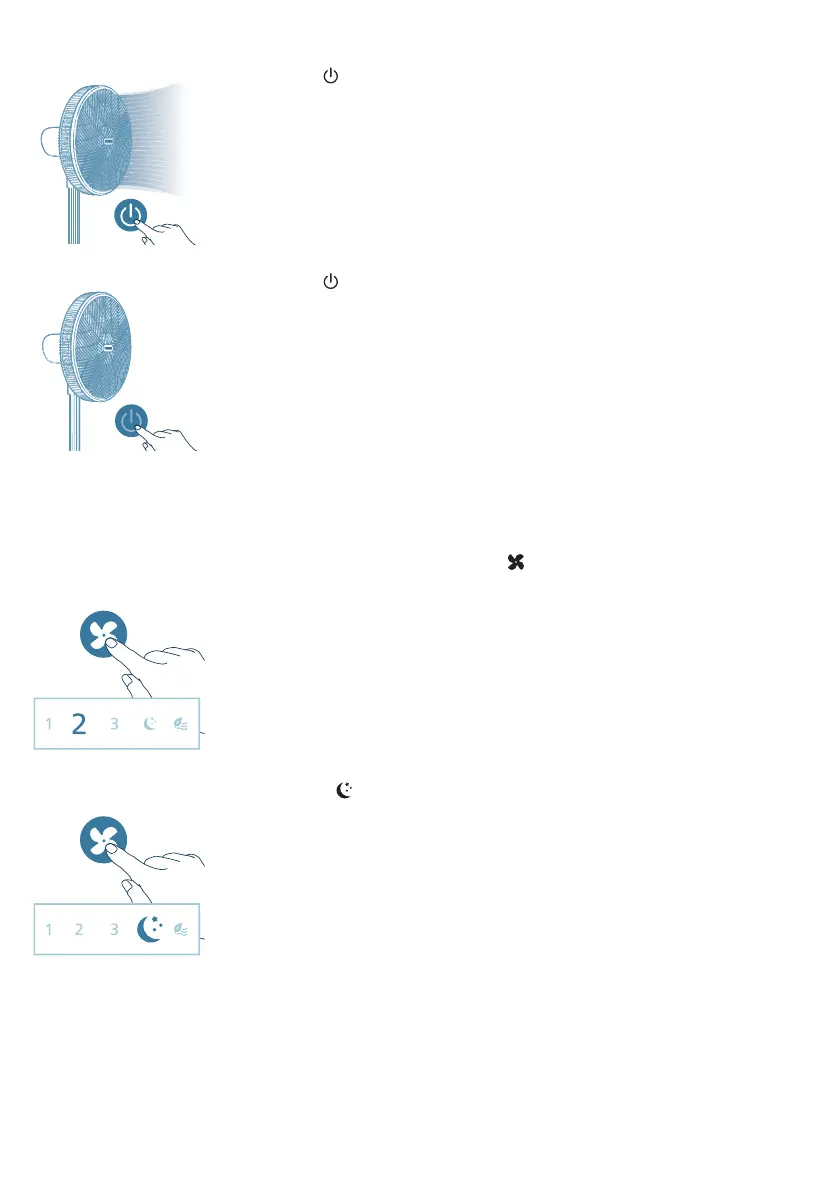
2 Press the button to switch on the fan. The appliance beeps once.
3 Press the button again to switch off the fan.
Changing the fan speed
-
You can choose the fan speed 1, fan speed 2, fan speed 3, sleep mode or the
natural wind mode by pressing the button.
Manual speed (1, 2, 3): In manual mode, the fan operates on speed 1, speed 2
or speed 3.
Sleep mode ( ): Experience a cool and peaceful night's sleep with the Sleep
mode. This mode gradually decreases the fan speed to the lowest setting over 30
minutes, helping you fall asleep naturally while also conserving energy.



 To Next Page