12
English
Cleaning and maintenance
Always unplug the appliance before you clean it.
Never immerse the appliance in water or any other liquid.
Never use abrasive, aggressive, or flammable cleaning agents such as bleach or
alcohol to clean any part of the appliance.
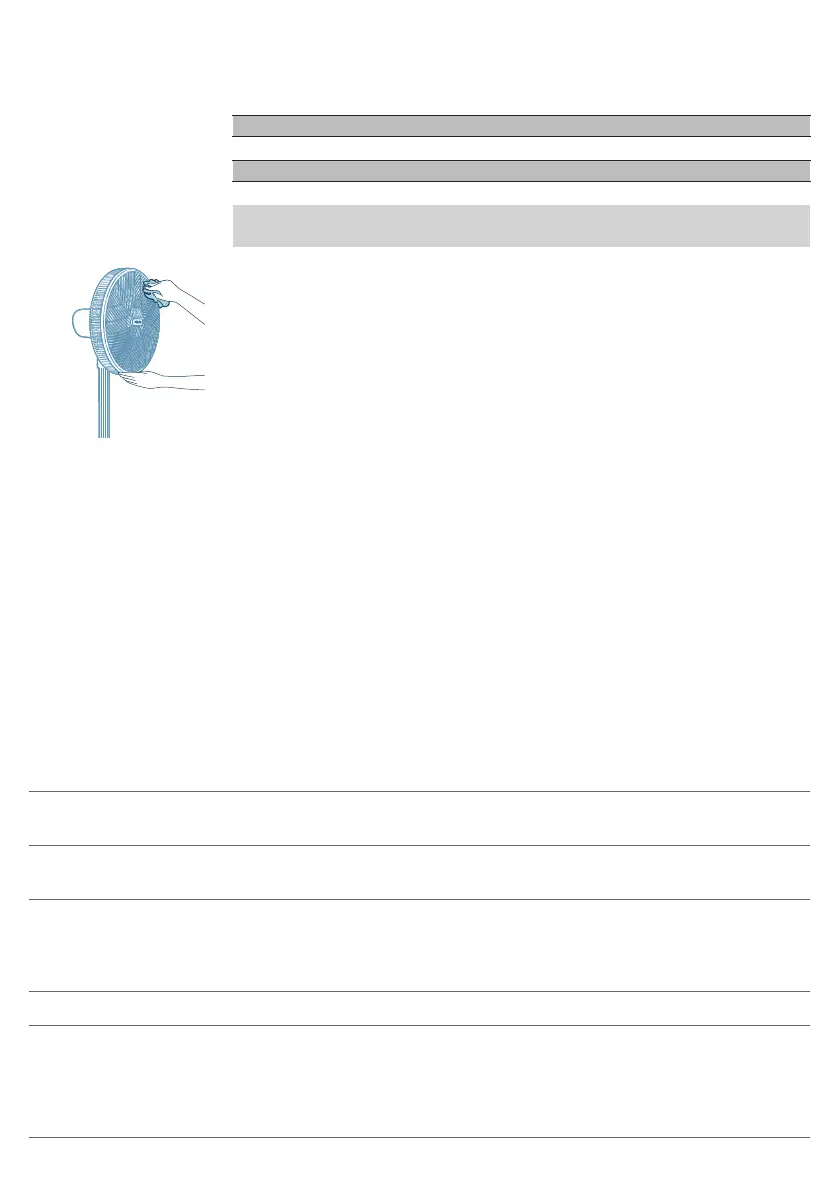
Regularly clean the outside of the fan to prevent dust from collecting.
-
Use a soft, dry cloth to clean both the exterior of the appliance and the air
outlet.
Storage
1 Turn off the appliance and unplug from the power socket.
2 Clean the appliance.
3 Store the appliance in a cool, dry location.
4 Always thoroughly wash hands after cleaning.
Troubleshooting
This chapter summarizes the most common problems you could encounter with
the appliance. If you are unable to solve the problem with the information
below, contact the Consumer Care Center in your country.
Problem Possible solution
My fan fails to turn on or off. If the appliance can’t be turned on, please ensure the power
plug is plugged in properly or try another power socket.
If the appliance still doesn't work, contact the Consumer Care
Center in your country.
My fan is not producing sufficient amount of
air or very weak.
Ensure the appliance is set to the highest fan speed for
maximum air circulation. Allow the appliance to fully
circulate the air throughout the room, this may take few
minutes.
Ensure all the air inlet and outlet grilles are unobstructed.
The fan produces a strange/burnt smell. The first few times you use the appliance, it may produce a
plastic smell. This is normal on new appliance. However, if the
appliance produces a burnt smell, turn off the appliance and
unplug immediately, then contact the Consumer Care Center
in your country.



 To Next Page