11
Set time and date
1 In standby mode, press and hold SET
TIME/PROG for 2 seconds.
» Hour digits start to blink.
2 Press OK/ to select the 12/24 hour
format.
3 Press / to set the hour.
4 Press SET TIME/PROGtoconrm.
» The minute digits begin to blink.
5 Repeat steps 3-4 to set the minute, year,
month, and day.
Tip
• In 12 hour format, [MONTH--DAY] is
displayed.
• in 24 hour format, [DAY--MONTH] is
displayed.
Turn on
1 Press POWER.
» The unit switches to the last selected
source.
Switch to standby
1 Press POWER again to switch the unit to
standby mode.
» The time and date (if set) appear on
the display panel.
1 Open the battery compartment.
2 Insert 2 x R6/UM-3/AA size batteries
with correct polarity (+/-) as indicated.
3 Close the battery compartment.
Connect power
Caution
• Risk of product damage! Ensure that the power
voltage corresponds to the voltage printed on
the back or underside of the apparatus.
• Risk of electric shock! When you unplug the
AC power cord, always pull the plug from the
socket. Never pull the cord.
• Before connecting the AC power cord, ensure
you have completed all other connections.
Note
• The type plate is located on the bottom of the
main unit.
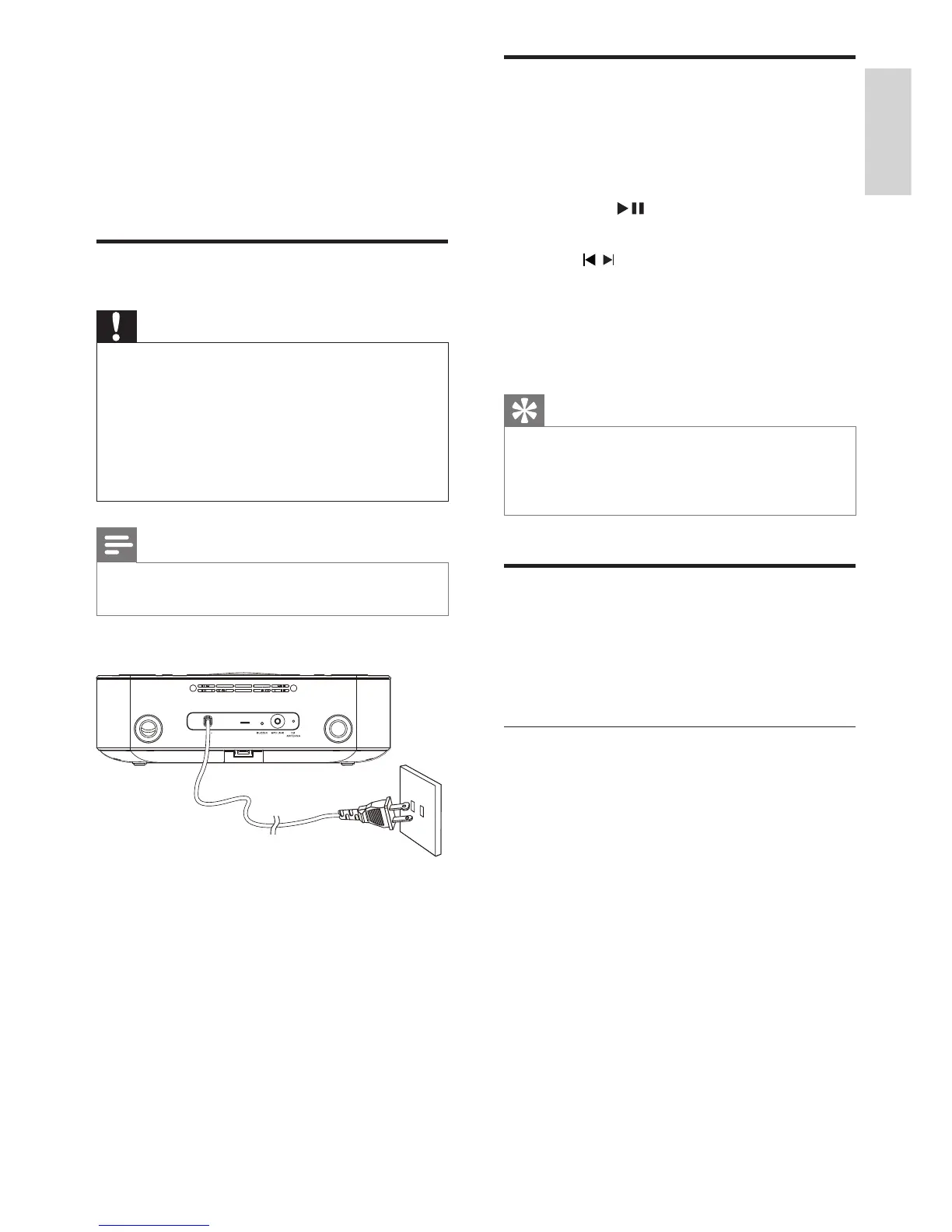
1 Connect the AC power cord to the wall
outlet.
English
EN


 To Next Page