15
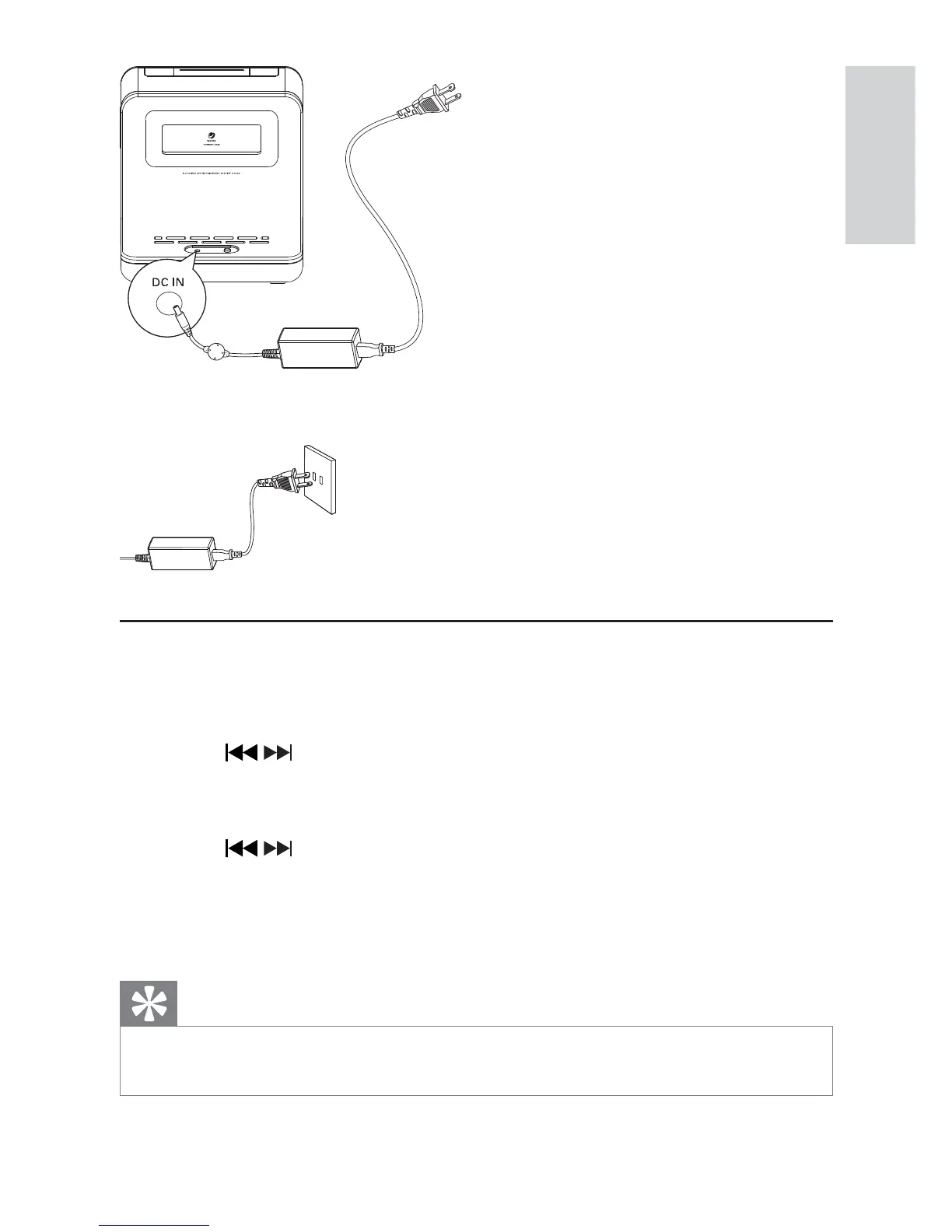
3 Connect the other end of the AC adaptor to the wall outlet.
Set time and date
1 In standby mode, press and hold SET TIME/PROG for 2 seconds.
[12 HR] begins to blink. »
2 Press / to select 12/24 hour format.
3 Press SET TIME/PROG to confirm.
The hour digits begin to blink. »
4 Press / to set the hour.
5 Press SET TIME/PROG to confirm.
The minute digits begin to blink. »
6 Repeat steps 4-5 to set the minute, year, month, and day.
Tip
In 12 hour format, [MONTH--DAY] is displayed. •
in 24 hour format, [DAY--MONTH] is displayed. •
English
EN



 To Next Page