16
Turn on
1 Press POWER.
The unit switches to the last selected source. »
Switch to standby
1
Press POWER again to switch the unit to standby mode.
The time and date (if set) appear on the display panel. »
4 Play
Play from iPod/iPhone
You can enjoy audio from iPod/iPhone through this unit.
Compatible iPod/iPhone
Apple iPod and iPhone models with a 30-pin dock connector:
iPod classic, iPod touch, iPod nano, iPod 5th generation (video), iPod •
with color display, iPod mini.
iPhone, iPhone 3G.•
Listen to the iPod/iPhone
1
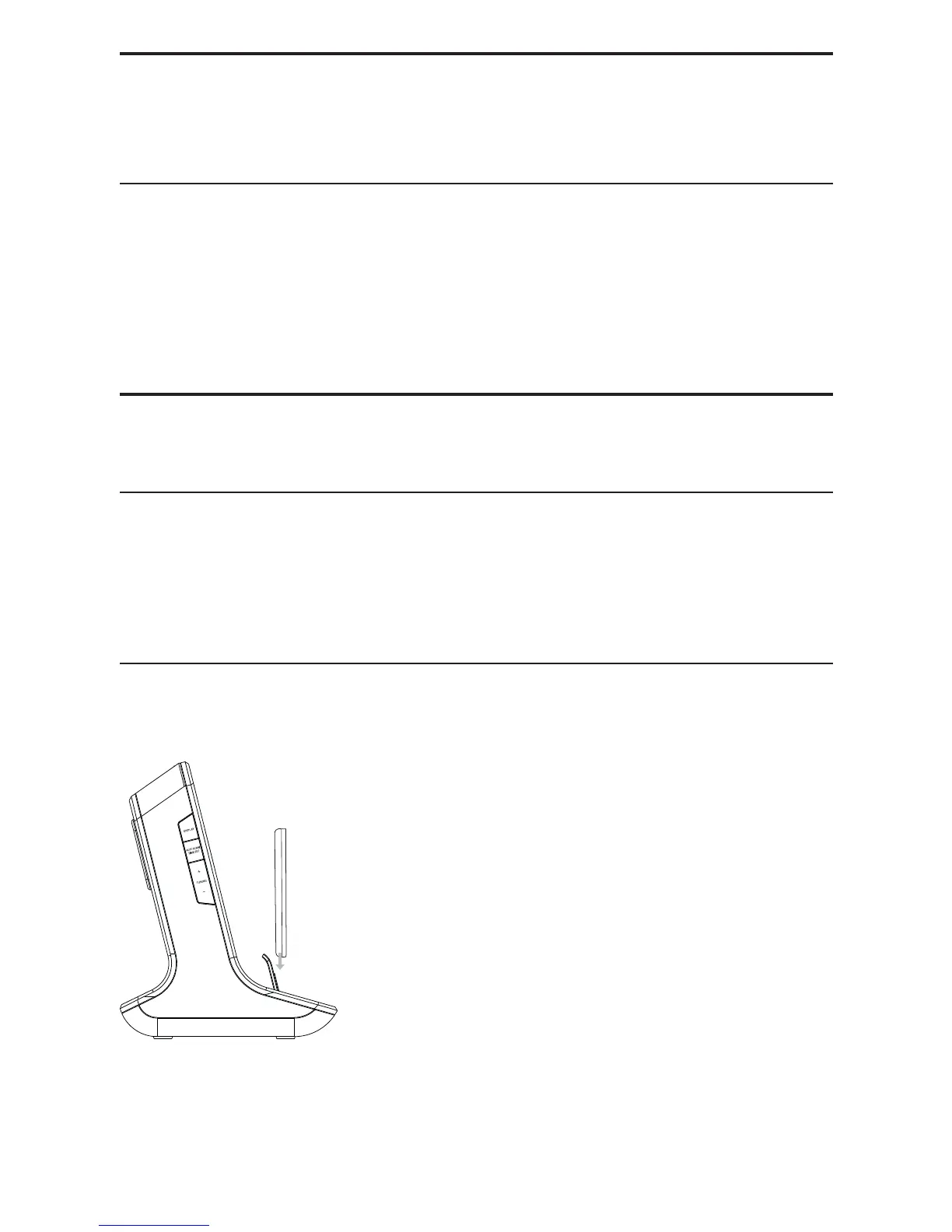
Place the iPod/iPhone into the dock.
EN



 To Next Page