9-1
Troubleshooting
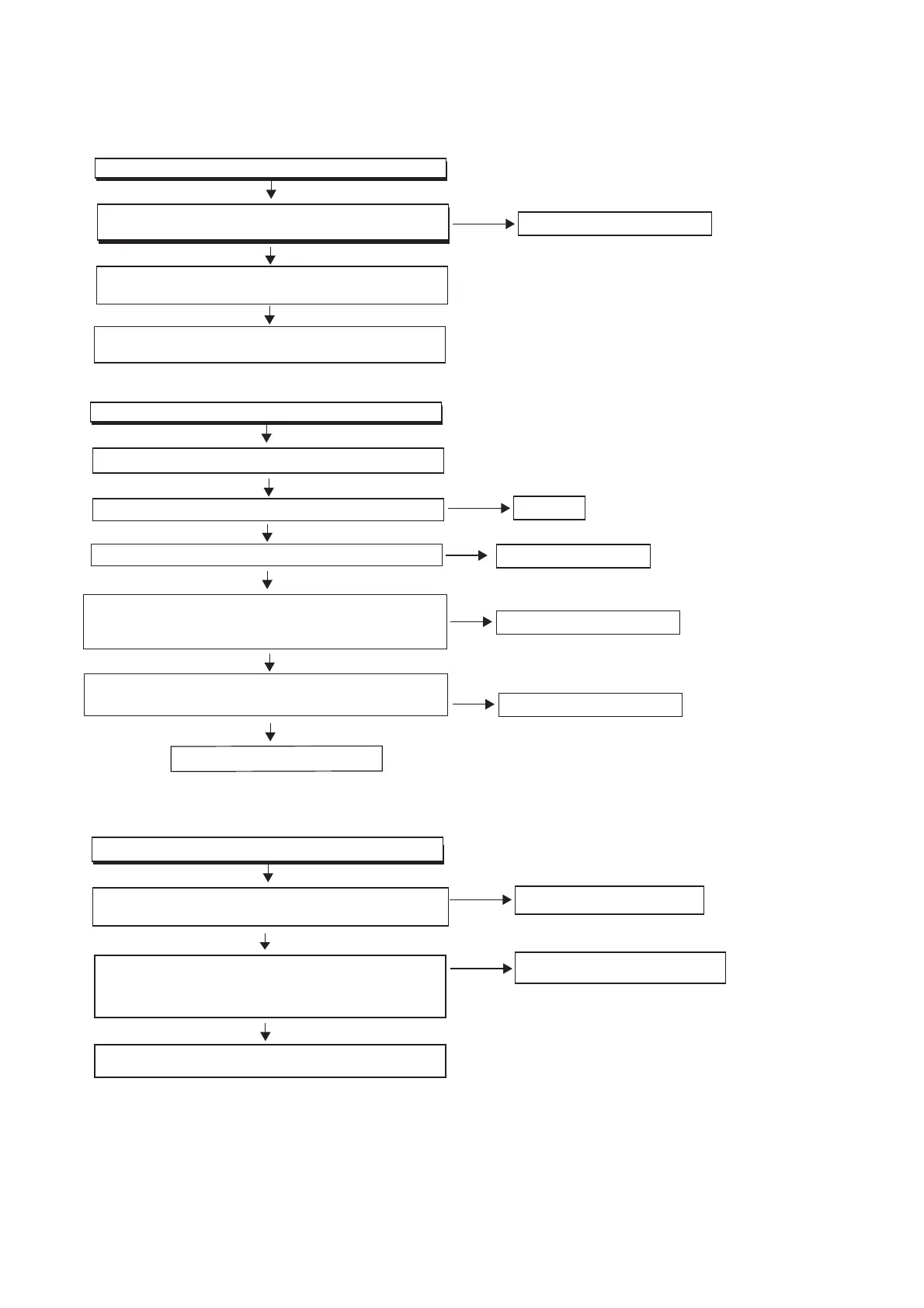
FLOW CHART NO.1
Check the Power Cord is connected
Check power PCB location F1(FUSE) whether open
Check whether the PowerBoard has +22v&5v provided
voltage output
Check&replace a new power PCB
Try to replace a new FUSE
Yes
Yes
Yes
No
FLOW CHART NO.2
Has not voice form the speaker
Check speakers boxes are connected correctly
Adjust the Volume
Ye s
Check if the operate system in MUTE state
Test the location CN302 pin 2#(MUTE) whether has high
level (If at low level state ,the MUTE function action),test
pin 3#(STBY)whether at low level
Ye s
Ye s
Ye s
Ye s
No
Yes
Retry again
Cancel the MUTE setup
No
Check&replace MPEG board
Test the location CN301 pin 2#、4# whether has 19 and
5v provided voltage
Replace a new AMP board
Ye s
Ye s
No
Check related electric circuit
FLOW CHART NO.3
Do not display
Check related electric circuit
Check display board (CN101)whether has +5v provided voltage
No
No
Check&replace a new decoder board
Use Oscillograph to check LCD data cable if has
normal or not ,the check location is CN101 pin
10#(CS)、8#(DATA)
Replace U101(HT1622)



 To Next Page