Chapter 3: Getting Started 15
DPM display options
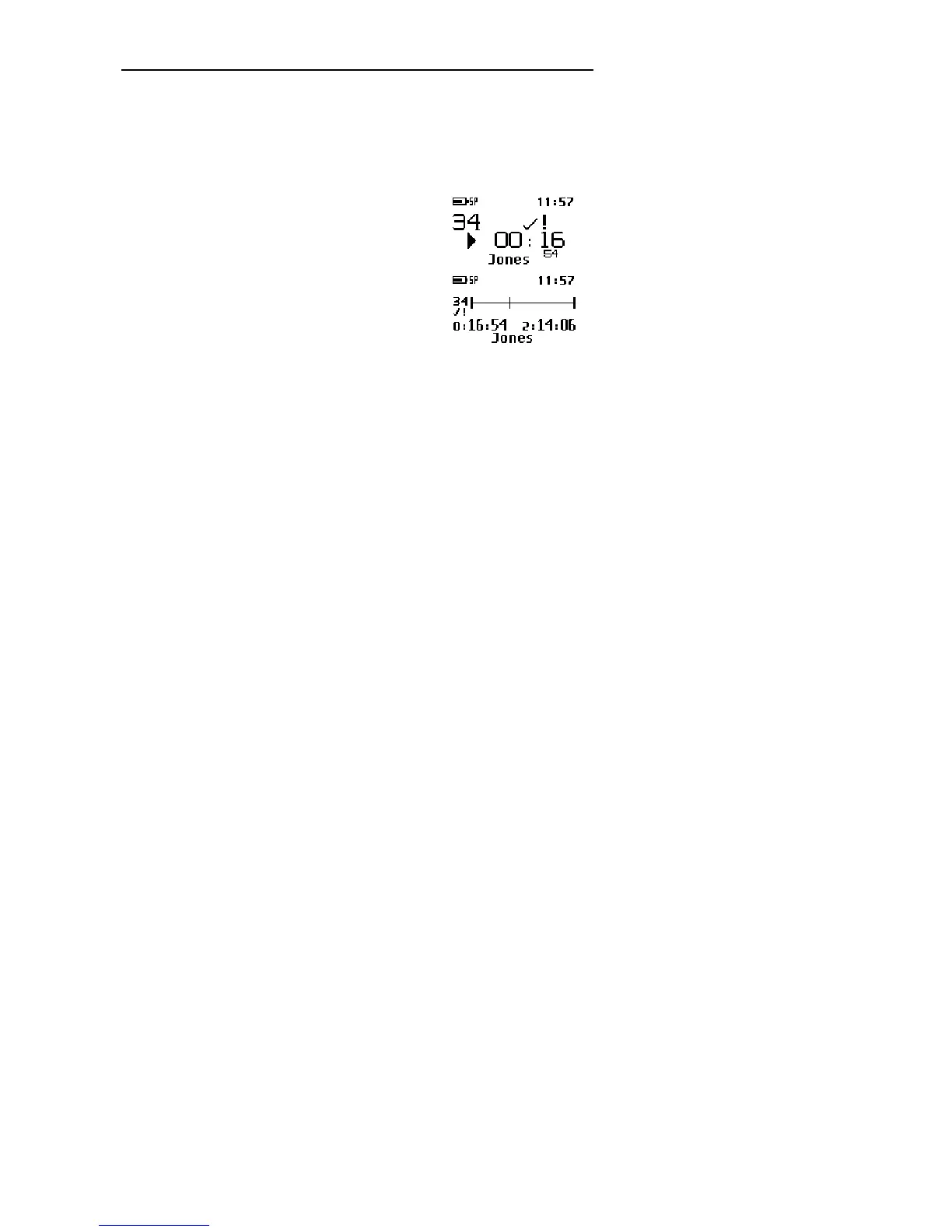
The appearance of the DPM display depends on the corresponding setting
(Standard display and Advanced display options) in the DPM
Download/Configuration program. For more information, refer to the DPM
Download/Configuration Online Help.
The Standard display option uses larger symbols
without showing the status indication bar:
The Advanced display option uses smaller symbols.
It enables to view more information about the current
dictation and shows the status indication bar. This bar
provides visual feedback when a dication, for
example, is recorded or played back.



 To Next Page