Chapter 4: Basic Operations 37
Deleting
The DEL button on the DPM can be used for two purposes: deleting a section
from a sound file and deleting the whole sound file.
Deleting a section
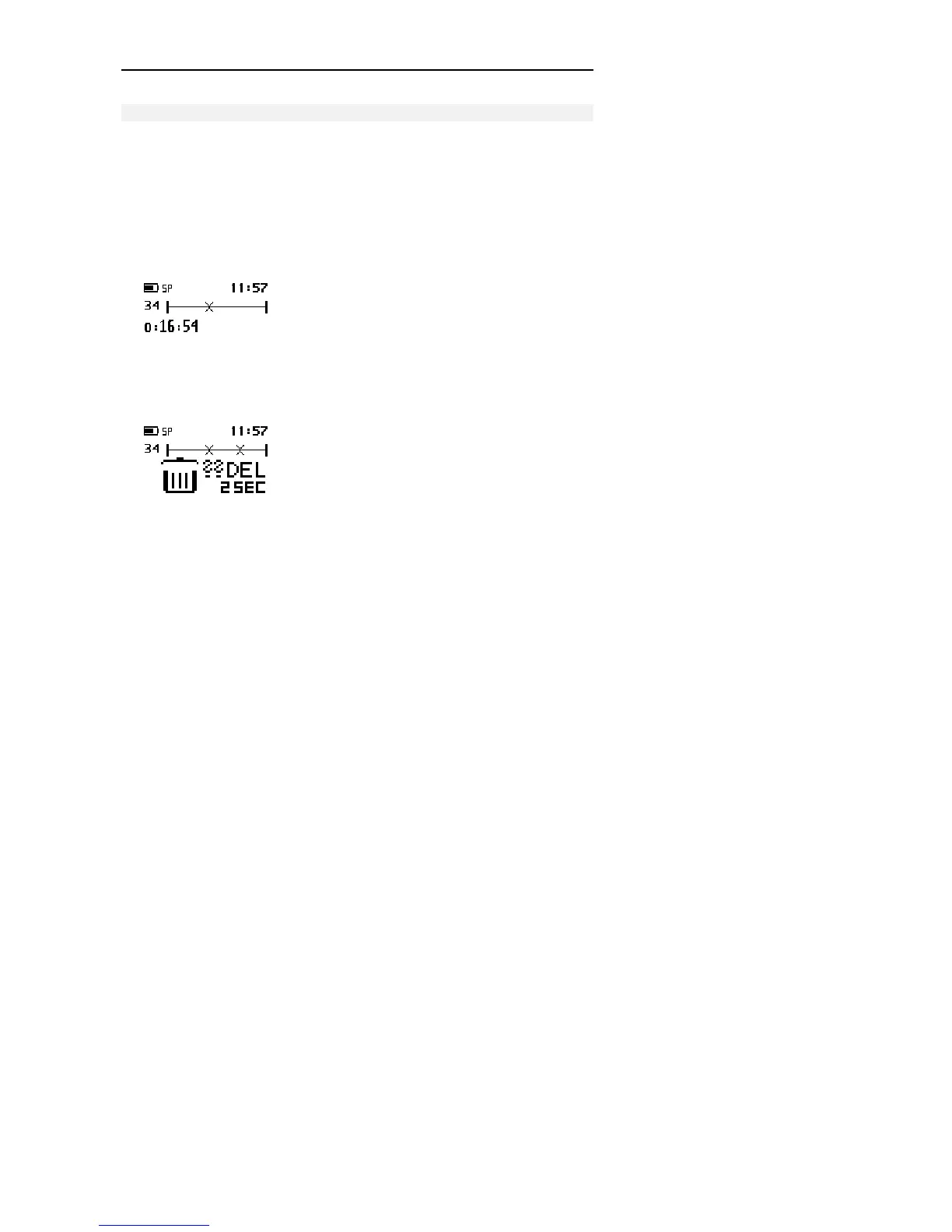
To delete a section from the current dictation, follow these steps:
1. Go to the beginning of a section which is to be deleted by using Fast
Forward, Fast Rewind or Play, move the 4-Position Switch to the Stop
position and press the DEL button once.
The beginning of the section is marked with X.
2. Use either Play, Fast Forward or Fast Rewind to go to the end of the section
that is to be deleted and press the DEL button again.
The end of the section is marked with another X. The open waste bin with a
question mark indicates that the delete operation must be confirmed.



 To Next Page