40 DPM 9350/00 - User Manual
Voice-activated recording
Voice-activated recording mode is a convenient feature for hands-free dictation.
When voice-activated recording is enabled, the DPM is in Record Standby
mode; recording will start automatically when the input level exceeds a certain
threshold (i.e. usually when you start dictating). This means that recording stops
a few seconds after you stop speaking and restarts automatically when you start
speaking again.
To operate the DPM in voice-activated recording mode, follow these steps:
1. Enable voice-activated recording in the DPM menu.
For more information, refer to the corresponding section in the DPM menu
chapter in this manual.
2. Make sure that the 4-Position Switch is in the Stop position.
3. Press the REC button; the device is in Record Standby mode.
4. Move the 4-Position Switch to the Play position.
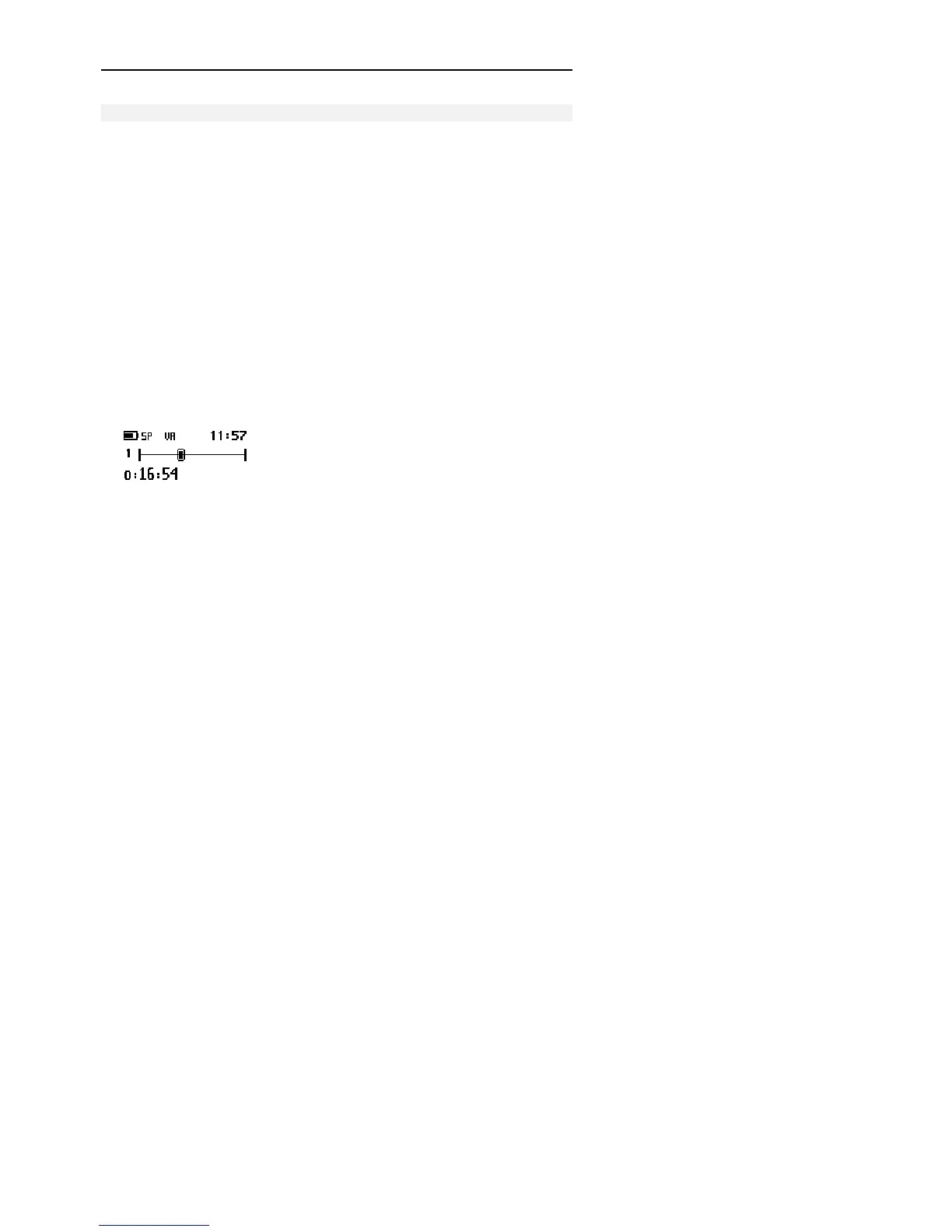
5. Start dictating and recording will start automatically. The symbol for voice-
activated recording is shown on the DPM display.
When you stop dictating, the DPM goes back into Record Standby after
three seconds.



 To Next Page