32 DPM 9350/00 - User Manual
Finishing a dictation (EOL and Priority)
The L/P button on the DPM has two functions: marking a dictation as finished
(EOL function, End-of-Letter) and assigning priority to a dictation (Priority
function). The L/P button is only operational if the 4-Position Switch is in the
Stop position and recording has been done in the file.
Note: Finishing a dictation via the L/P button is also possible in Record
Standby mode.
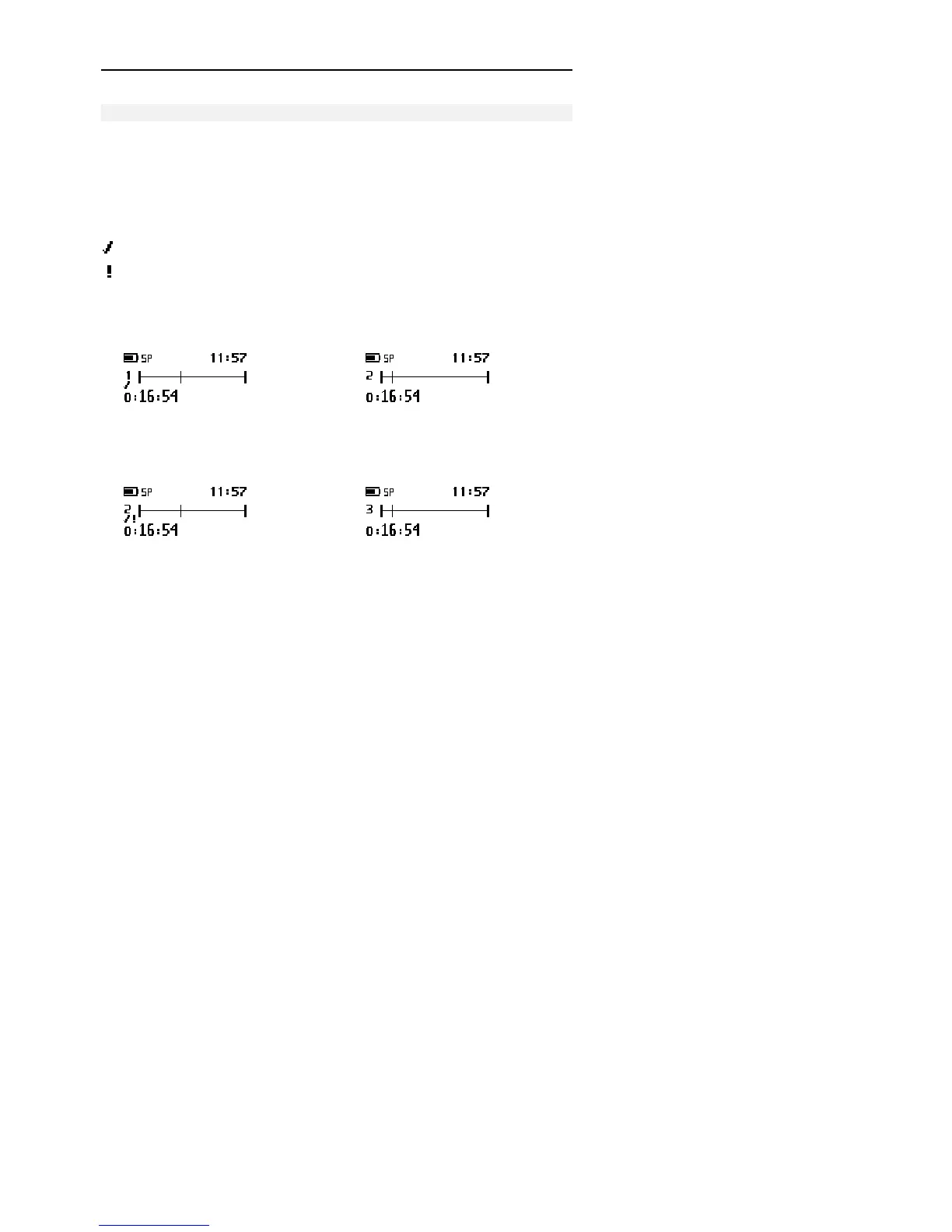
EOL indication (End-of-Letter)
Priority indication
The functions of the L/P button are as follows:
If you press the L/P button once, the current file is marked as finished (EOL
indication). The file is closed and a new, empty file is created.
•
If you press the L/P button twice within half a second, the current file is
marked as finished (EOL indication) and assigned the Priority status. This
also closes the current file and creates a new, empty file.
•



 To Next Page